Overview
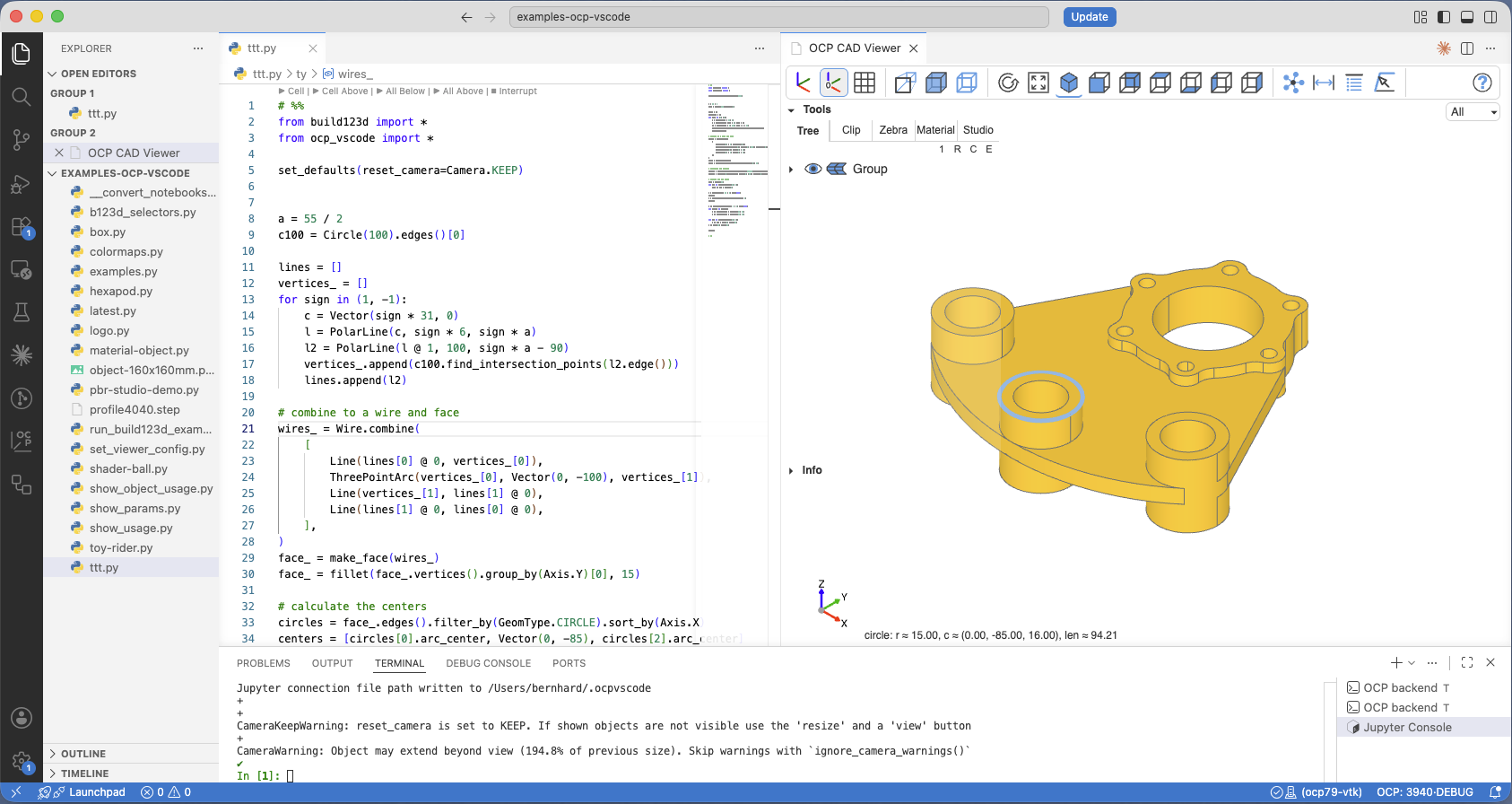
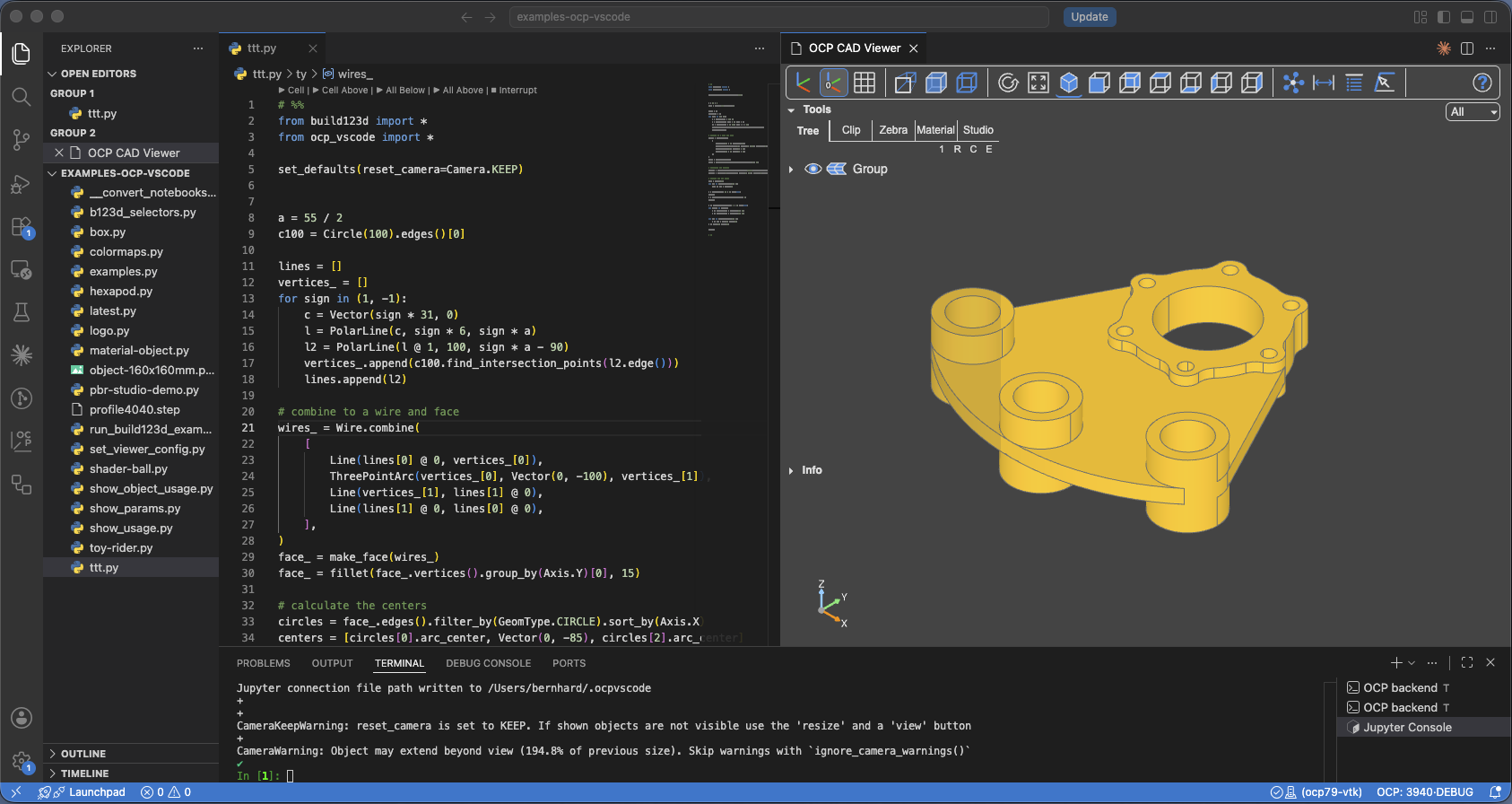
The VS Code CAD Viewer shows your models inside VS Code, right beside the code that builds them. It comes in two matching halves: the OCP CAD Viewer extension, which provides the viewer panel and the sidebar, and the Python package ocp_vscode, which provides the show* commands your scripts call.
Key features
- The complete CAD Viewer in an editor panel: navigation tree, clipping and zebra tools, measurement and analysis tools, materials and animation.
- Visual debugging: every debugger step shows the CAD objects in
locals()under their variable names — stepping through a script is watching the model being built. The one feature only this viewer has. - The Viewer Manager and Library Manager: quickstart installation of build123d or CadQuery into your Python environment, and everything the extension manages visible and one click away.
- Several viewers at once, each on its own port — see Addressing a viewer.
- Settings stored as ordinary VS Code settings, per user or per workspace — see Workspace Config.
Continue with Installation.