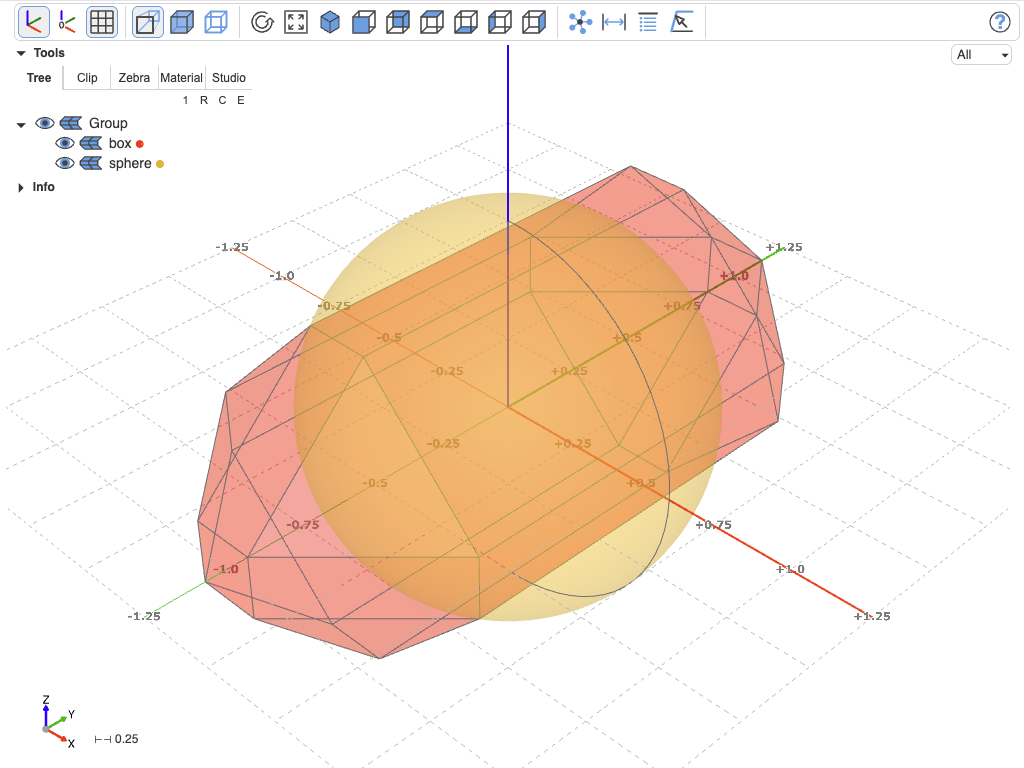
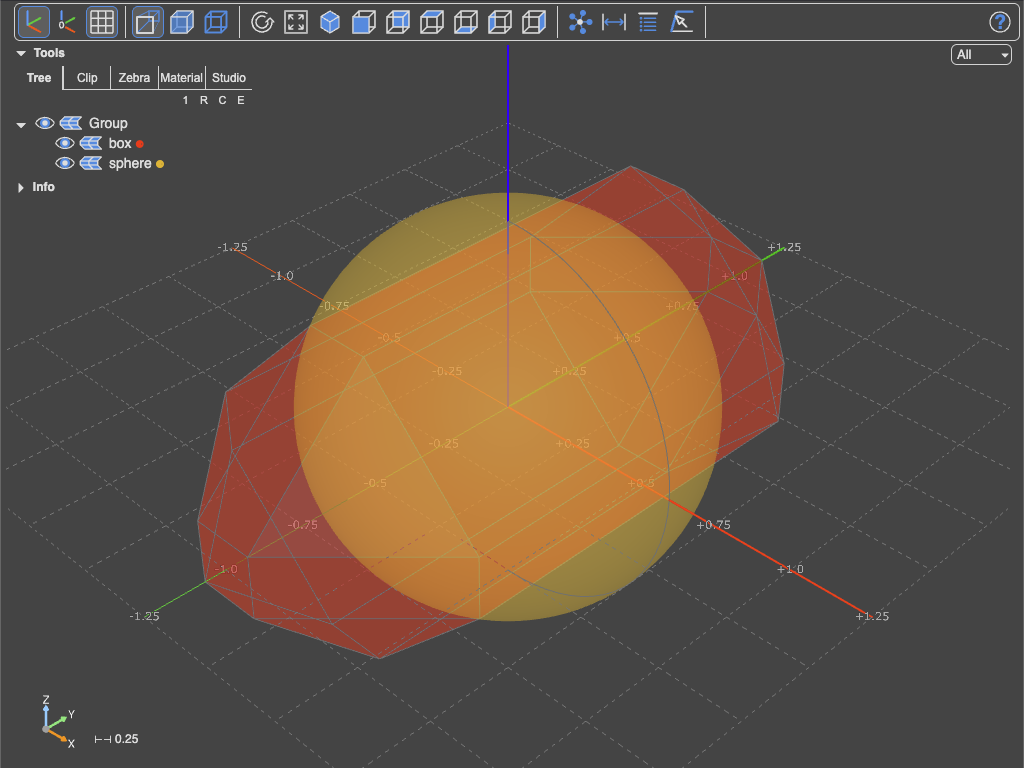
Push object
push_object and show_objects
Incrementally show CAD objects in the viewer. The commands support the CQ-Editor parameters obj, name and options plus additional viewer-specific args. Compared to show_object, this pair is the lazy variant: push_object collects objects without rendering, and show_objects then renders them in a single batch — much faster than calling show_object repeatedly.
Command
push_object(obj, name=None, color=None, alpha=None, material=None, mode=None, clear=False, update=False)
Arguments
Parameters
| Parameter | Description |
|---|---|
obj |
The object to be added or updated. Must have 'name', 'label', 'color', or 'alpha' attributes if corresponding arguments are not provided |
name |
(str, optional) The name to associate with the object. If not provided, attempts to use 'name' or 'label' attribute of obj |
color |
(any, optional) The color to associate with the object. If not provided, attempts to use 'color' attribute of obj |
alpha |
(float, optional) The alpha (transparency) value for the object. If not provided, attempts to use 'alpha' attribute of obj, defaults to 1.0 |
material |
(PbrProperties or str, optional) Material object or material name string for the object |
mode |
(Render, optional) A Render value for this object (Render.ALL, Render.EDGES, Render.FACES, Render.NONE) |
clear |
(bool, optional) If True, clears the OBJECTS registry before adding the new object |
update |
(bool, optional) If True, updates an existing object with the same name; otherwise, appends as a new object |
Raises ValueError if no name is provided and the object does not have a 'name' or 'label' attribute.
Command
show_objects(<keyword arguments>)
Arguments
Keywords for show_objects
| Keyword | Description |
|---|---|
progress |
Show progress of tessellation, None is no progress indicator (default="-+c"). Per object: "-": is reference, "+": gets tessellated with Python code, "": gets tessellated with native code, "c": from cache |
The valid keywords to configure the viewer (**kwargs) are the same as for show, including the viewer-specific keywords. Note that they belong to show_objects only: push_object just collects into the local registry, nothing reaches the viewer, so it takes no viewer-specific keywords.
Managing the object stack
remove_object(name, call_show=False, progress="-+*c")
Remove a single named object from the object stack. If call_show=True, immediately re-renders the remaining stack.
reset_show()
Reset the object stack, so the next push_object starts from a clean slate — the same as push_object(..., clear=True) on the first push.
Example
from ocp_viewer_core.viewer import push_object, show_objects, set_defaults, reset_show, Collapse

import cadquery as cq

set_defaults(axes=True, transparent=False, grid=(True, False, False))

reset_show()  # use for repeated cell execution to clean object buffer

box = cq.Workplane().box(1, 2, 1).edges().chamfer(0.4)
push_object(box, name="box", color="red", alpha=0.5)

sphere = cq.Workplane().sphere(0.6)
push_object(sphere, name="sphere", alpha=0.5)

show_objects(
    collapse=Collapse.ROOT,
    ortho=False
)