Overview
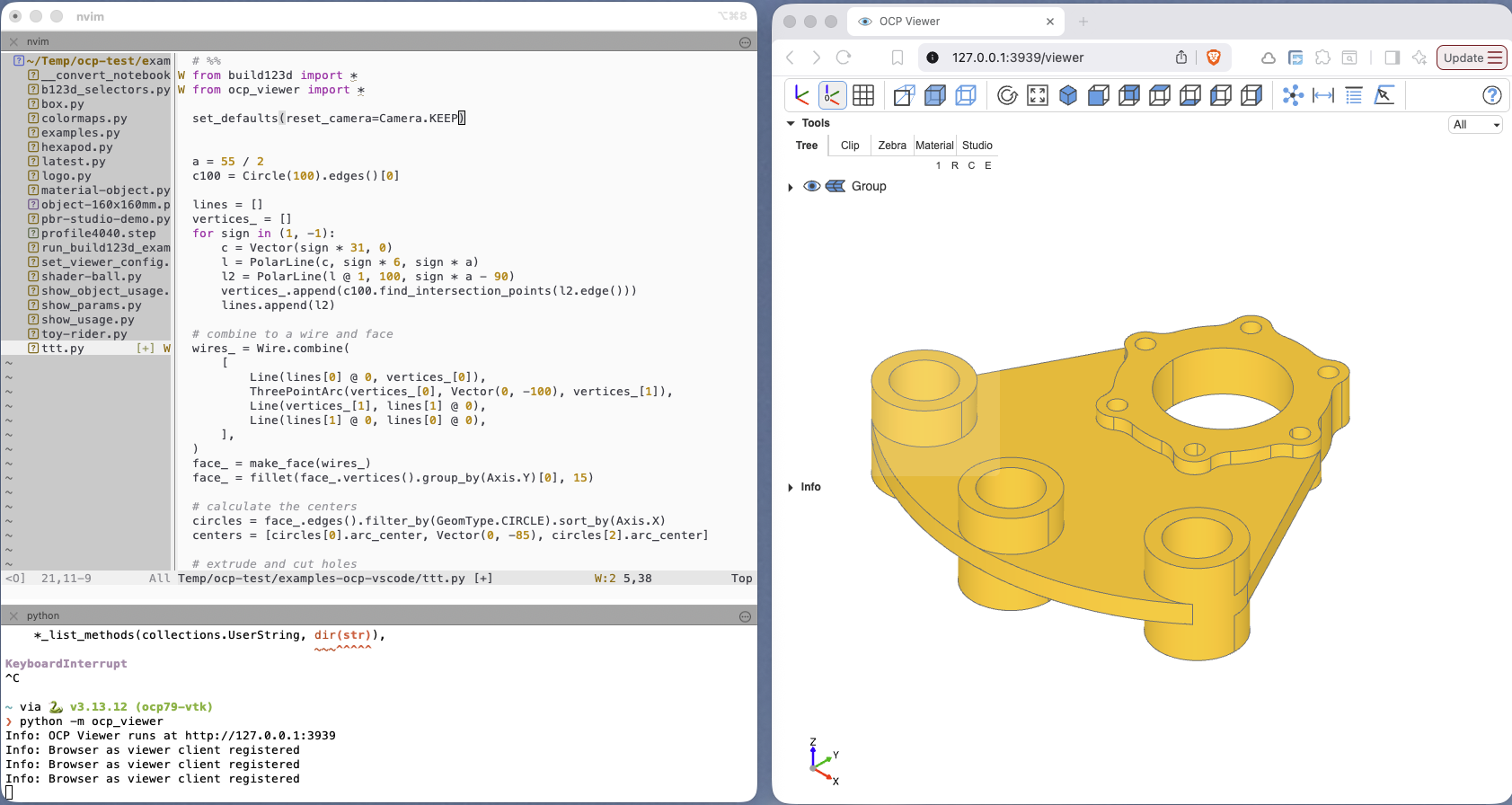
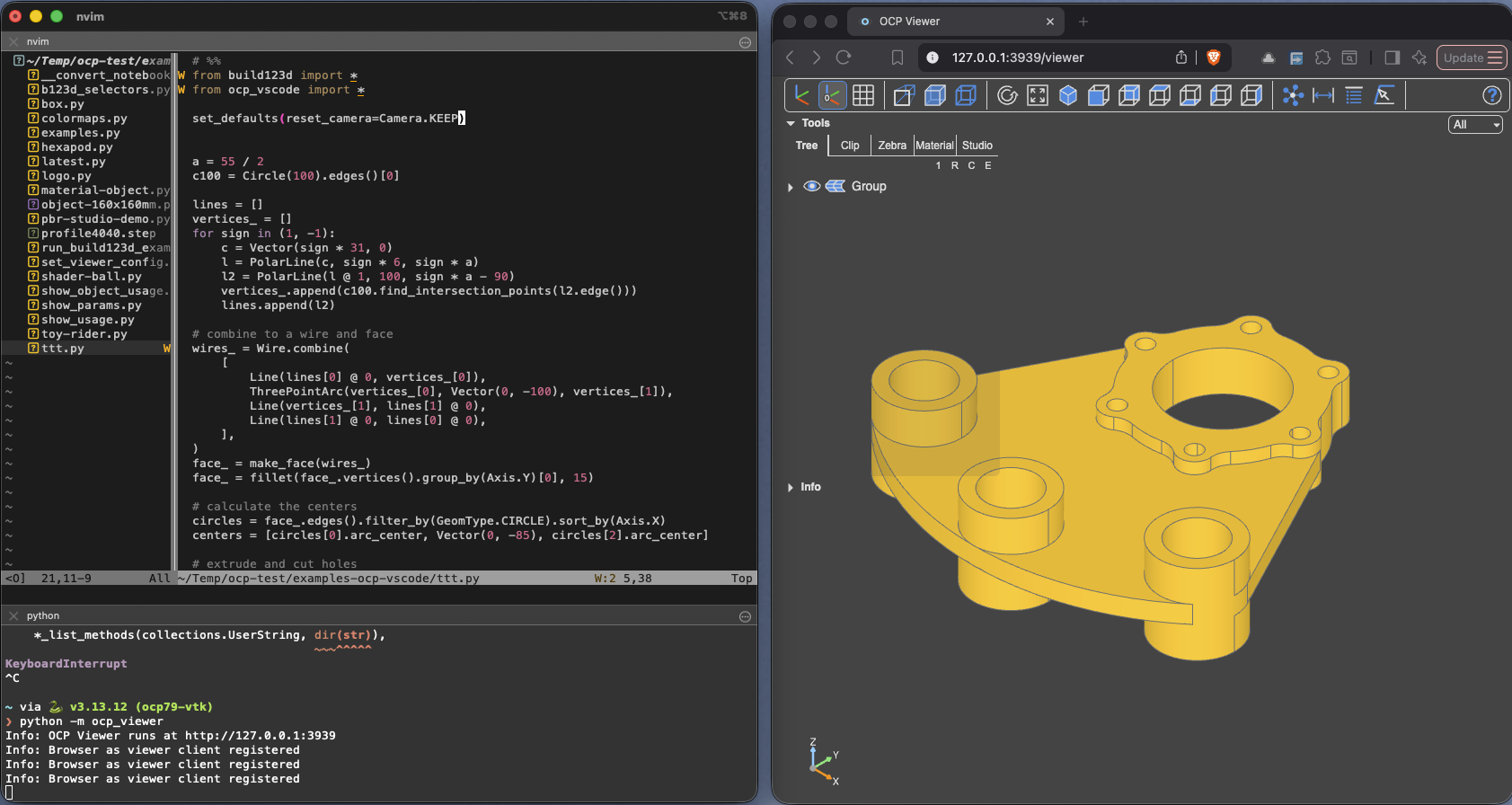
OCP Viewer is the standalone viewer: a local web server whose page is the CAD Viewer in a browser tab. It ties itself to no editor — use it beside NeoVim, any other editor that can run Python, a plain REPL or a script. Install the ocp_viewer package, start the server (ocp-viewer, or python -m ocp_viewer), open the printed URL, and every show from that environment lands in the tab.
Key features
- The complete CAD Viewer in a browser tab: navigation tree, clipping and zebra tools, measurement and analysis tools, materials and animation — everything except visual debugging, which is VS Code's.
- Editor-agnostic by design: the NeoVim page walks through a full CAD workstation setup, and the same pattern works for any editor with a Python REPL.
- Remote use over SSH: the server binds to localhost and a forwarded port brings the viewer of a remote machine into your local browser — see Installation.
- Several servers at once, each on its own port, with
set_portto pin one per process — see Addressing a viewer. - Settings stored in
~/.ocpvscode_standalone, adjustable per start via command-line flags — see Workspace Config. - A community-maintained Docker image for running the server in a container.
Continue with Installation.