Pbr studio
Material setup
PBR (Physically Based Rendering) materials can be defined using the class PbrProperties from threejs-materials, which every viewer package already depends on.
There are two sources of materials, MaterialX providers and glTF files with materials.
MaterialX providers
Supported web pages:
Installation:
Converting MaterialX materials additionally needs the materialx package. ocp_vscode bundles them as an extra (pip install ocp_vscode[materialx]); with other viewers install them directly (pip install materialx).
OS and Python support of materialx
Currently, on pypi materialx wheels are provided for macOS (arm64), Linux (Intel) and Windows (Intel) for Python 3.9 - 3.14. There is no guarantee that it will always be available for the latest Python version.
| Operating system | Python <= 3.14 | Python > 3.14 |
|---|---|---|
| Linux, MacOS, Windows (with Microsoft Visual C++ toolchain installed) | pip installs binaries from pypi |
pip installs sources from pypi and compiles the packages directly 1 |
| Windows (no compiler) | pip installs binaries from pypi |
not directly supported |
If your Python version is not supported, use e.g. Python 3.14 and only run PbrProperties.from_gpuopen("Aluminum Hexagon"). This will cache the material locally. Afterwards the same command under Python > 3.14 directly reads from cache and does not need materialx.
If your system is not supported, visit the MatrialX github site for help compiling it.
Usage:
The class PbrProperties allows to convert (typically called "baking") downloaded MaterialX material into a local cache in a format suitable for three-cad-viewer (based on threejs) and glTF export. If the material comes with a texture, one can override PBR parameters, and scale and rotate textures:
from ocp_viewer_core.viewer import *

from ocp_viewer_core.utils import create_shader_ball
from build123d import Pos
Define the materials
from threejs_materials import PbrProperties

# Use a GPUOpen material

alu_hex = PbrProperties.from_gpuopen("Aluminum Hexagon")

# Use a GPUOpen material and override the glass behavior

wood = PbrProperties.from_gpuopen("Ivory Walnut Solid Wood").scale(rotation=90)

# Use a GPUOpen material and override the glass behavior

glass = PbrProperties.from_gpuopen("Glass").override(transmission=0.98, thickness=0.8)

# Use an AmbientCG material, and scale the texture to 2 in u and v direction

metal = PbrProperties.from_ambientcg("Metal 049 C").scale(2, 2)

# Use a PhysicallyBased material and override color for two material instances

light = PbrProperties.from_physicallybased("Plastic (Acrylic)")
red_light = light.override(color=(1, 0, 0))
yellow_light = light.override(color="yellow")

materials = [alu_hex, glass, metal, wood, red_light, yellow_light]
names = ["alu_hex", "glass", "metal", "light", "red_light", "yellow_light"]
Create the objects and interpolate the material to a flat color and apply it to the objects
sbs = []
for i in range(3):
    for j in range(2):
        k = i * 2 + j
        sbs.append(Pos(i * 30, j * 30) * create_shader_ball(names[k]))
        sbs[-1].color = materials[k].interpolate_color()
Use the materials keyword to apply colors to objects
show(
    *sbs,
    names=names,
    materials=materials
)
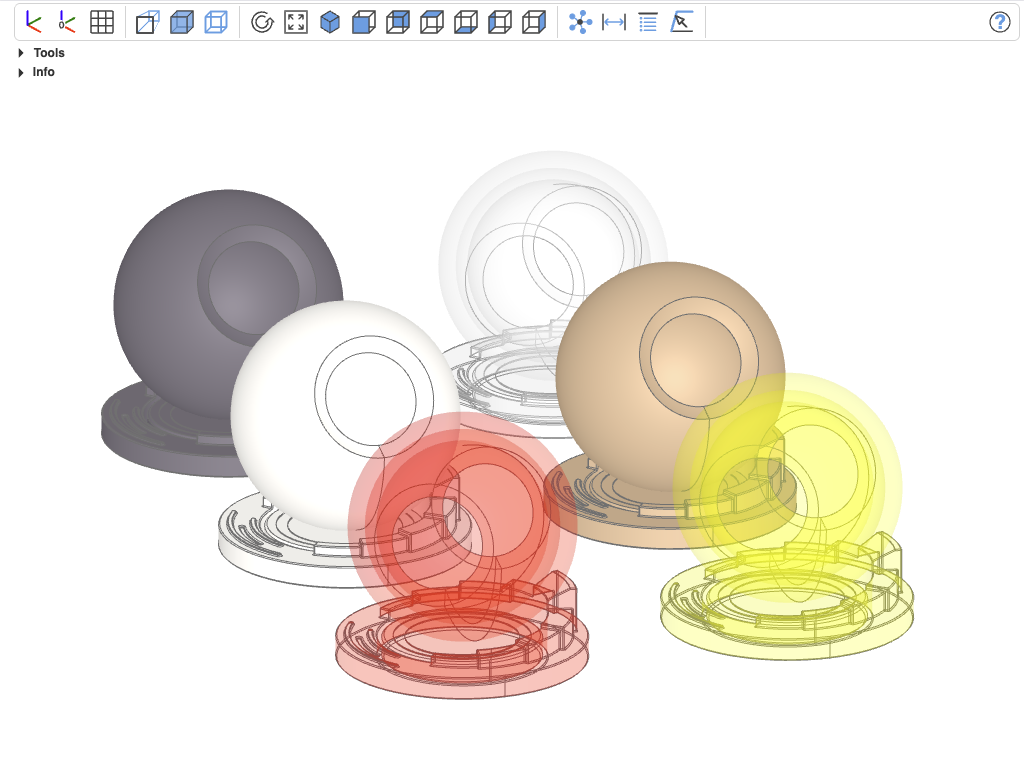
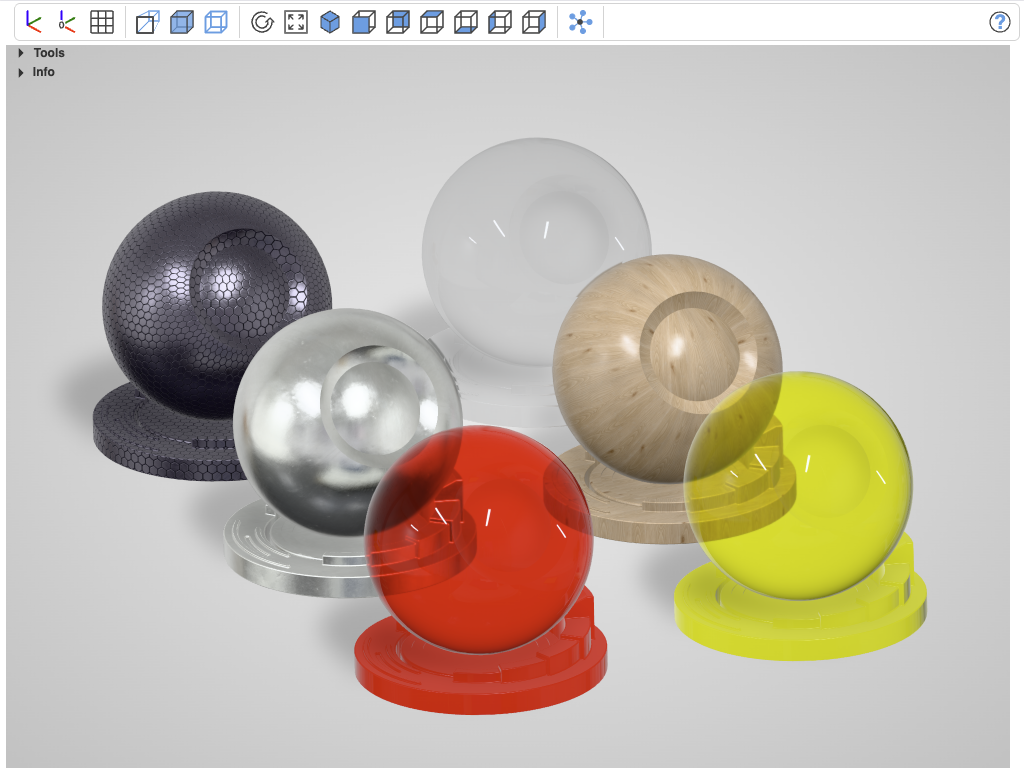
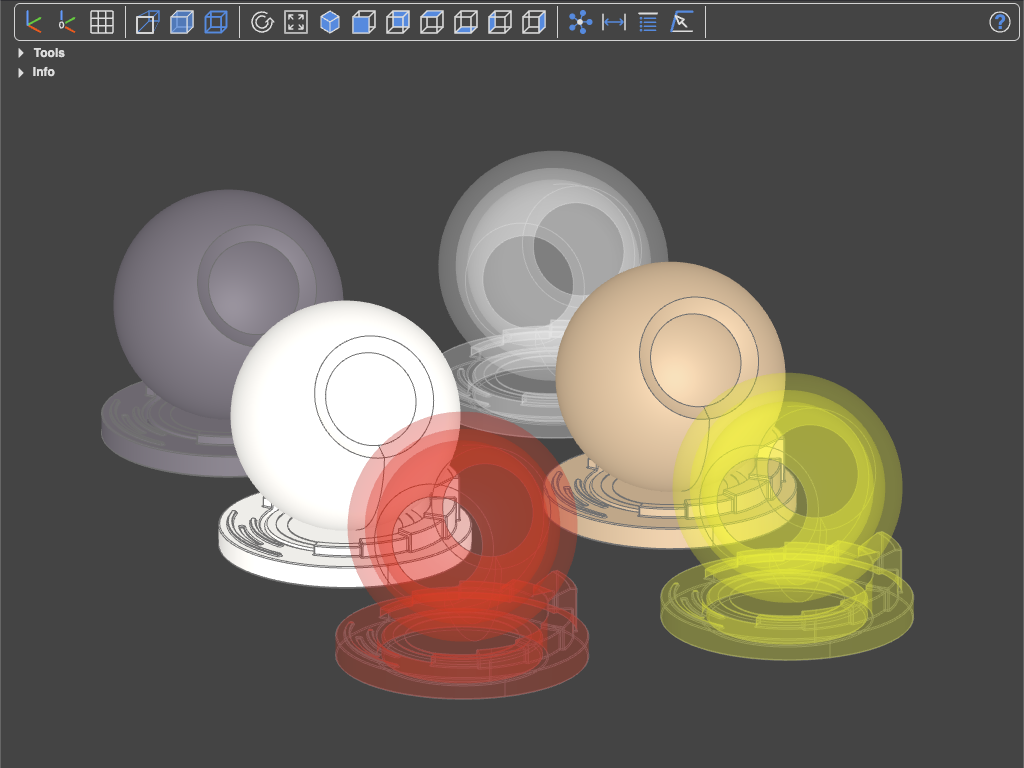
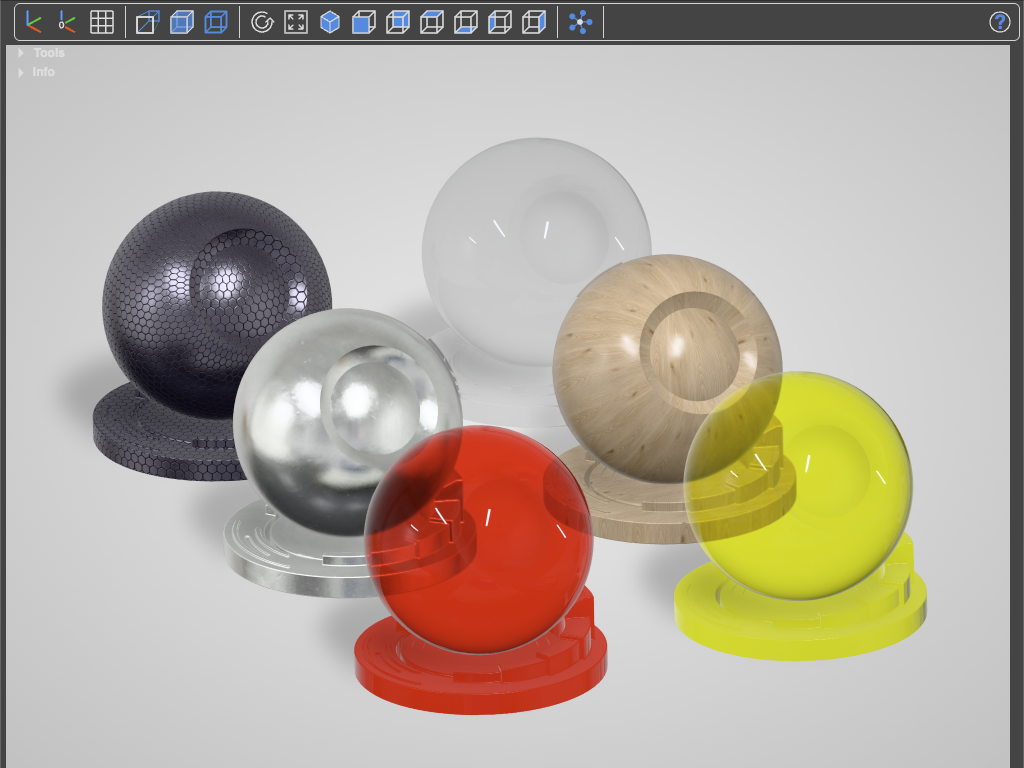
Objects with assigned materials in CAD and Studio view
build123d support
The syntax show(*objs, materials=materials) with a list of PbrProperties is the generic way working across all CAD libraries based on OCP.
build123d has a dedicated material support based on bd_materials and threejs-materials
Materials in glTF files
Material can be extracted from glTF files, e.g. exported from Blender.
Installation:
nothing extra — threejs-materials can already read them.
Usage:
from pathlib import Path
from threejs_materials import PbrProperties

# load all materials in the glTF/glb file as a dict
here = Path(...)

material = PbrProperties.load_gltf(here / "brass-deco" / "brass_cube.gltf")
print(materials.keys())
# dict_keys(['Ornamental Design Embossed Brass'])

# Use one of them
brass_deco = materials["Ornamental Design Embossed Brass"]
-
Will only work if the necessary libraries are installed. For support, visit the MatrialX github site ↩