Overview
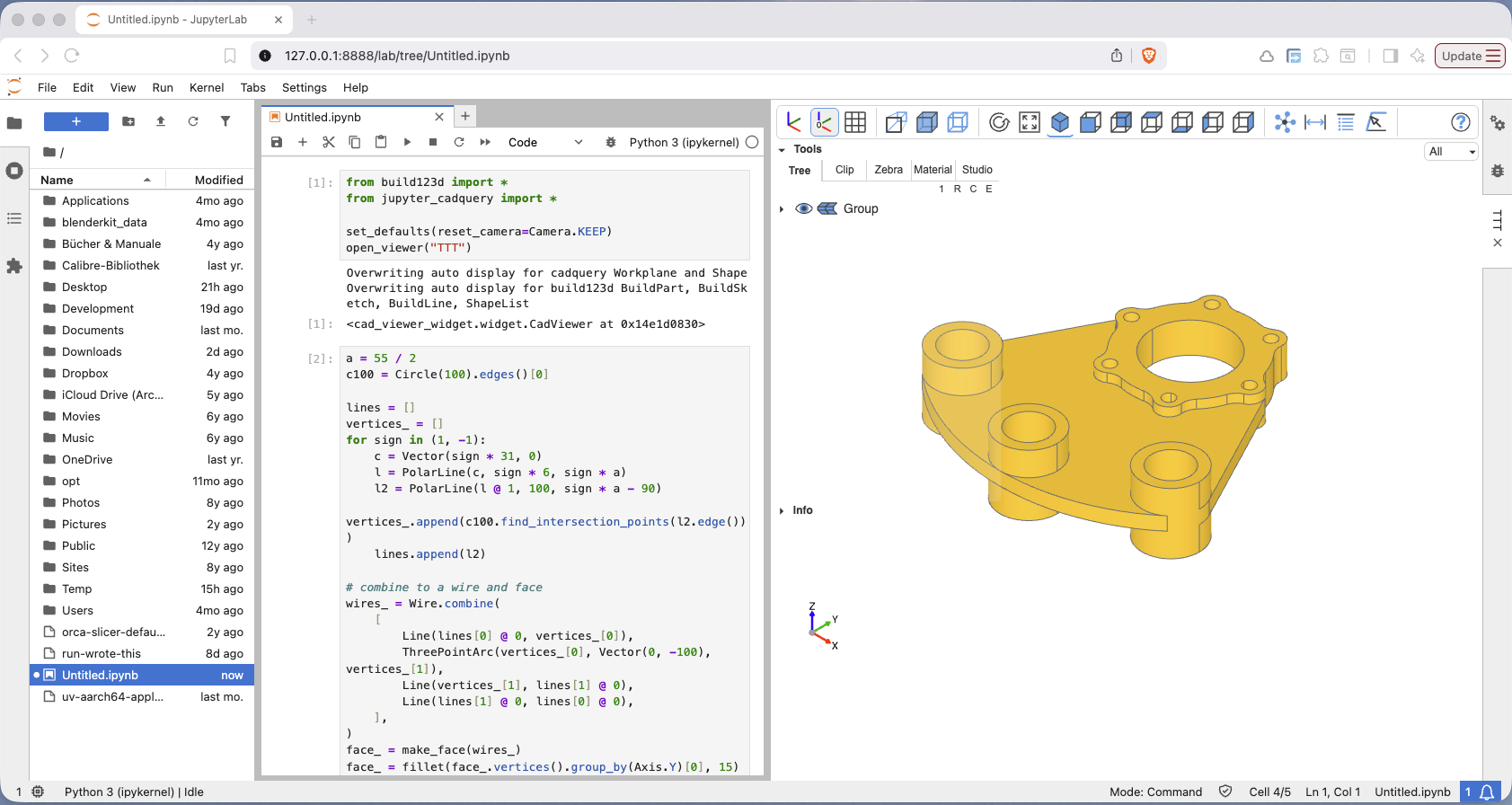
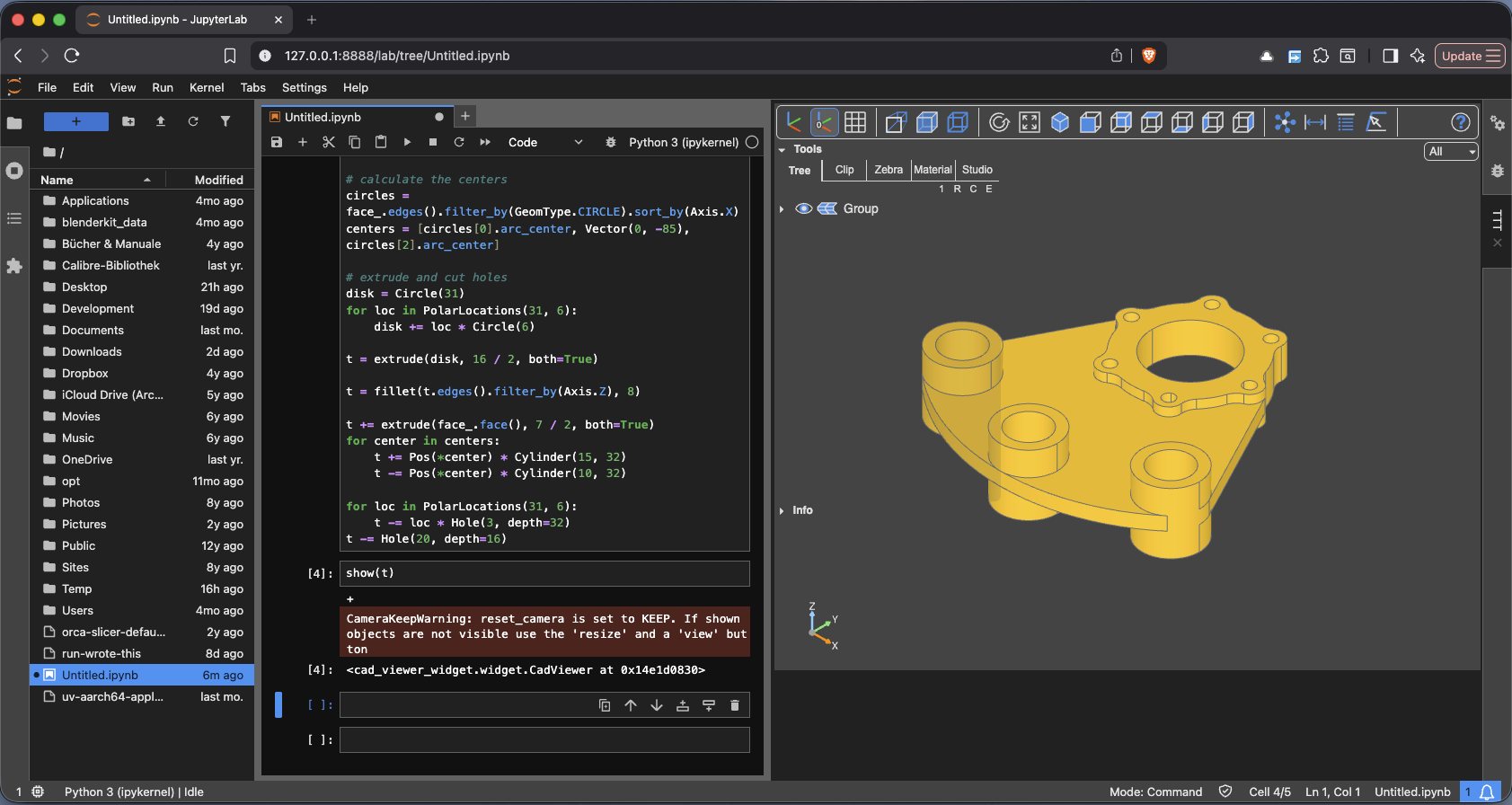
Jupyter CadQuery is the viewer for JupyterLab: models appear in a sidecar panel beside the notebook, in a split window, or directly in a cell's output. It is a single Python package — the JupyterLab extension ships prebuilt inside its cad-viewer-widget dependency, so there is no extension build step and no Node.js involved.
Key features
- The complete CAD Viewer as a JupyterLab widget: navigation tree, clipping and zebra tools, measurement and analysis tools, materials and Studio and animation — it behaves exactly as in the other viewers, so all of that is documented once, in the shared chapters.
- Sidecars, windows and cells:
open_viewer("CAD")docks a viewer beside the notebook,anchor="split-top"and friends open it as a separate JupyterLab window, and without a sidecar the output lands in the cell itself. Sidecars and windows resize with their container, either filling it or keeping an aspect ratio. - Several viewers at once, each addressed by its title rather than a port — including measuring in two viewers side by side.
- Auto display: a CadQuery or build123d object as the last expression of a cell is shown without a
show. - Replay for CadQuery objects: step through the fluent-API calls that built an object and see each intermediate result.
- Export as a standalone HTML page, and notebooks converted with
nbconvertkeep their viewers. - No sockets and no ports: the transport is Jupyter's own communication channel, so it works wherever JupyterLab works.
- Settings stored in
~/.jcq_config— see Workspace Config. - Can be tried on binder without installing anything — see Installation.
Outside JupyterLab — a plain Python process, an editor of your choice — the same show commands talk to OCP Viewer in a browser tab.
In pictures
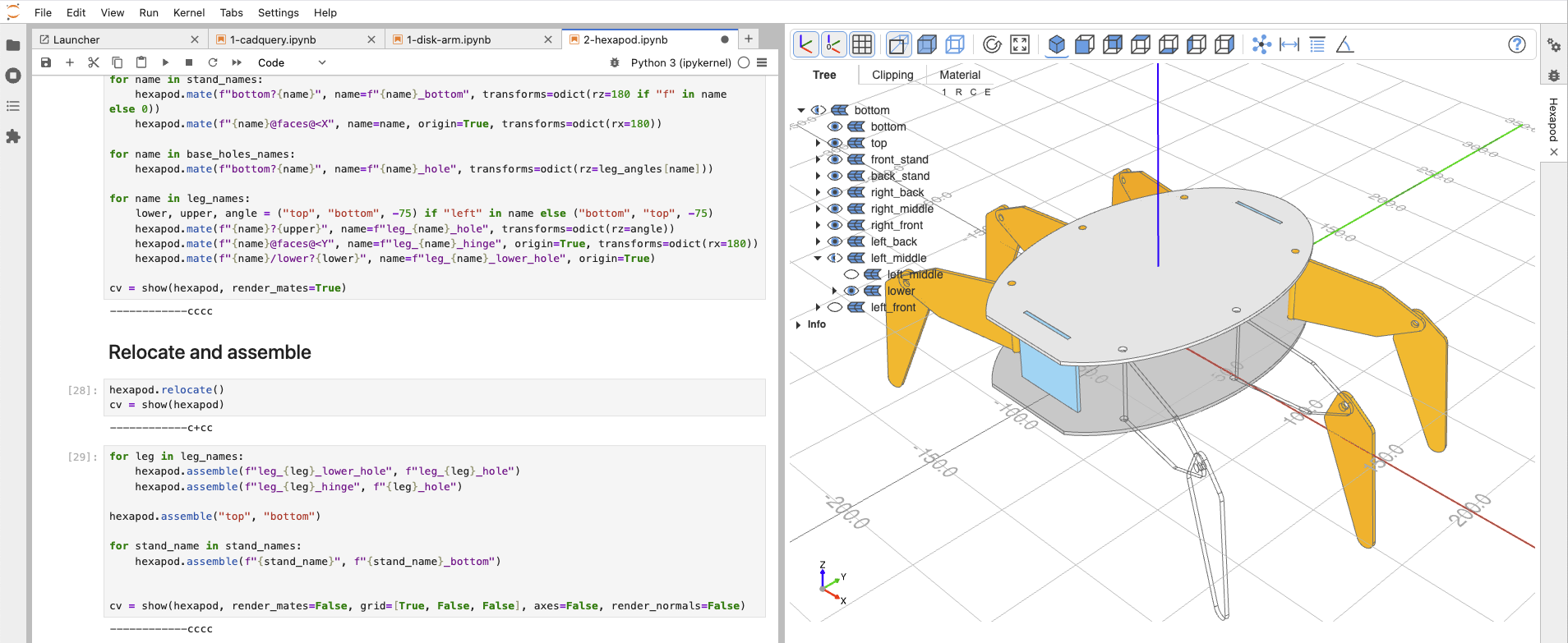
The viewer with a build123d hexapod, in a sidecar:
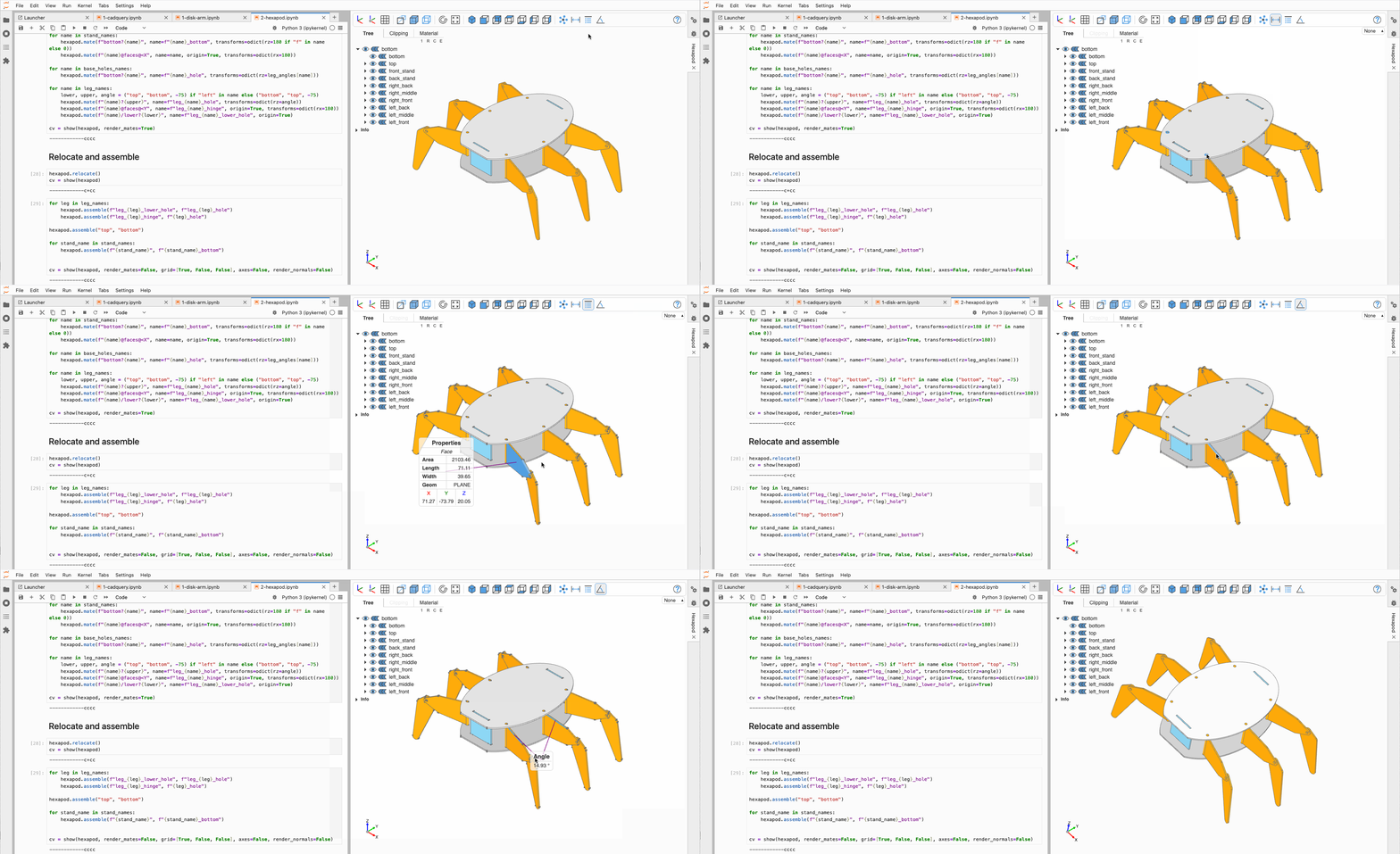
Measurement mode: distances between objects, angles between edges and faces, and the properties (center, area, volume) of what is selected:
The animation system exploding an assembly around the origin:
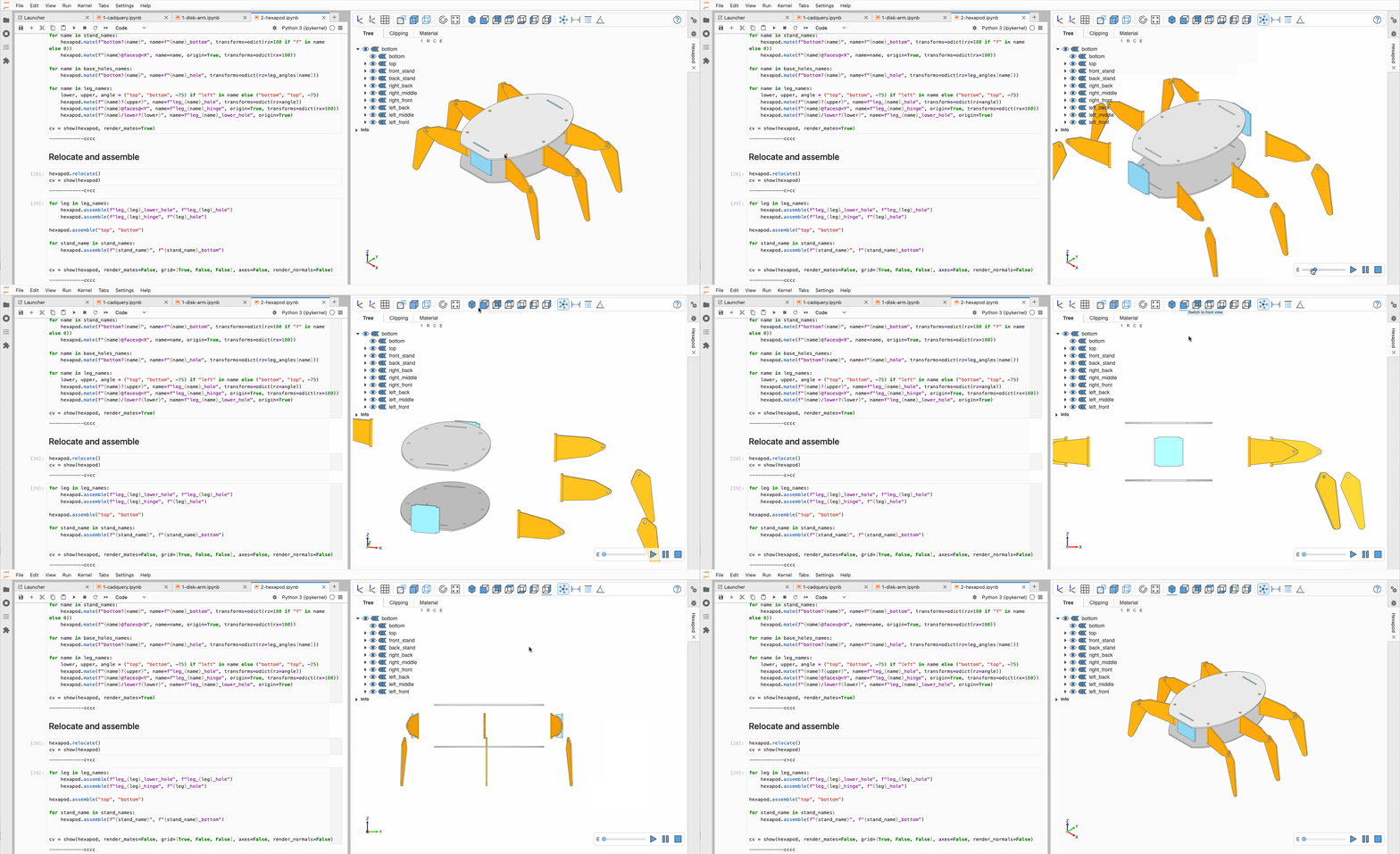
and a self-defined animation, the crawling hexapod:
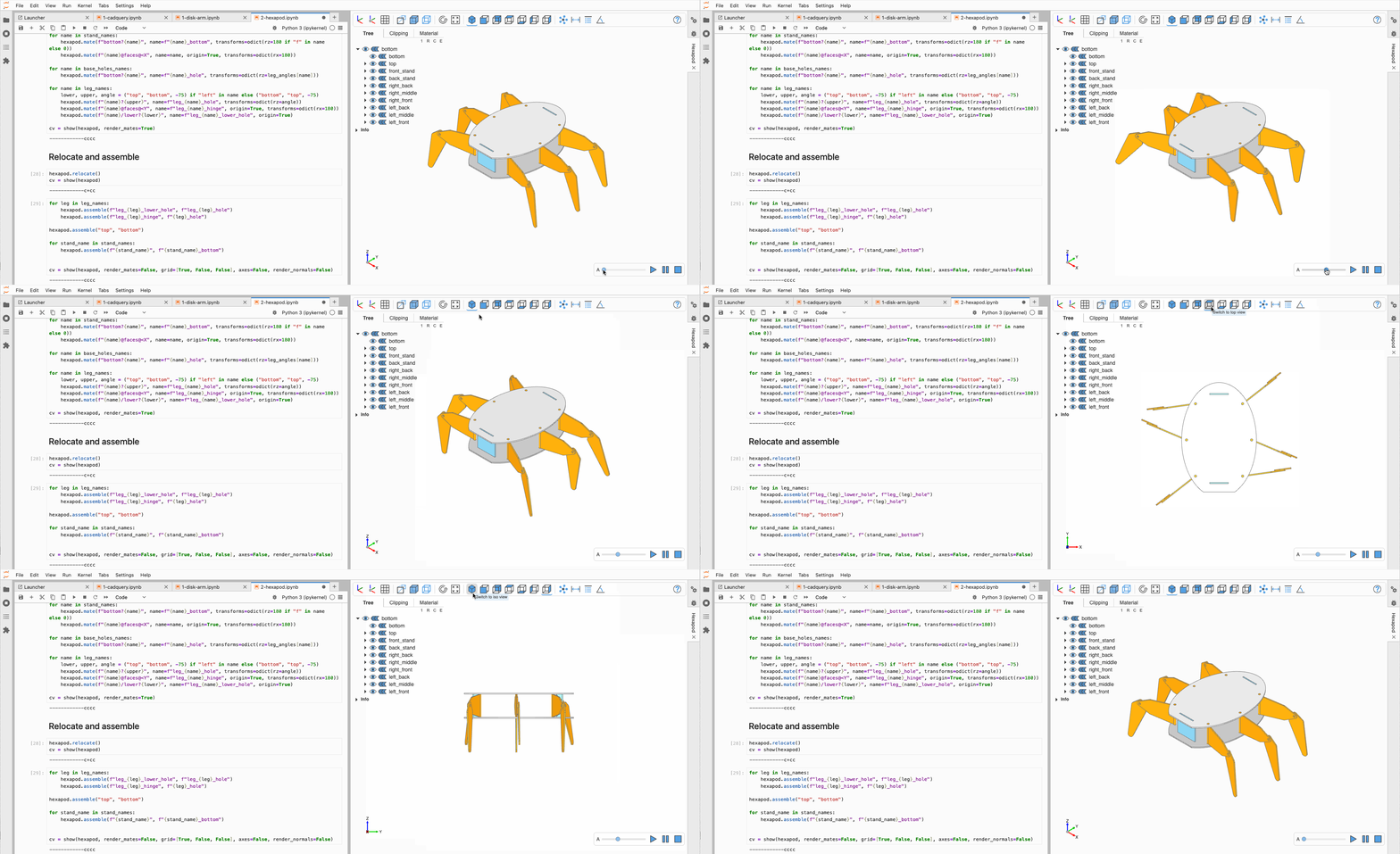
The notebooks behind these pictures are in the repository's examples folder.
Continue with Installation.