Measure mode
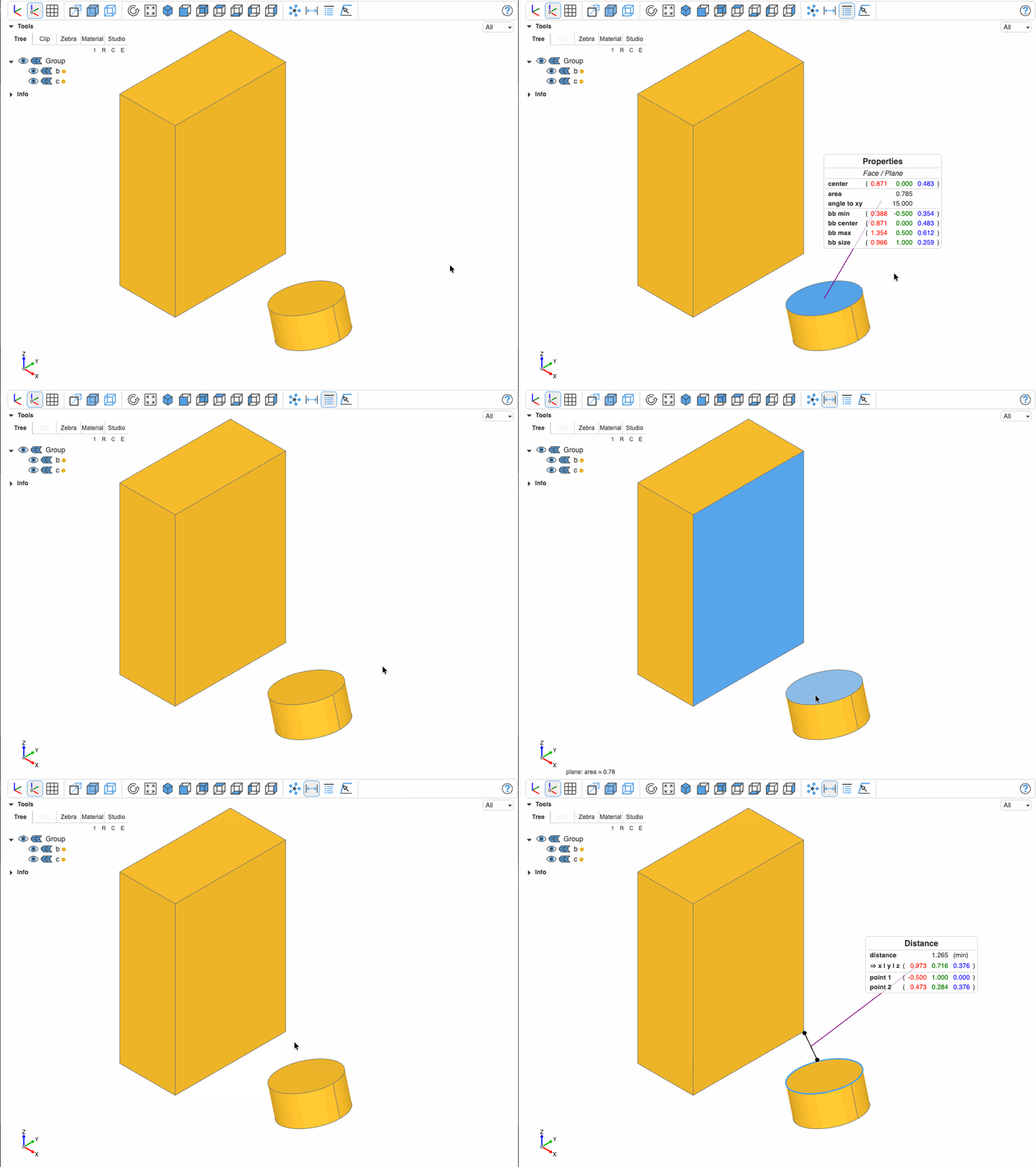
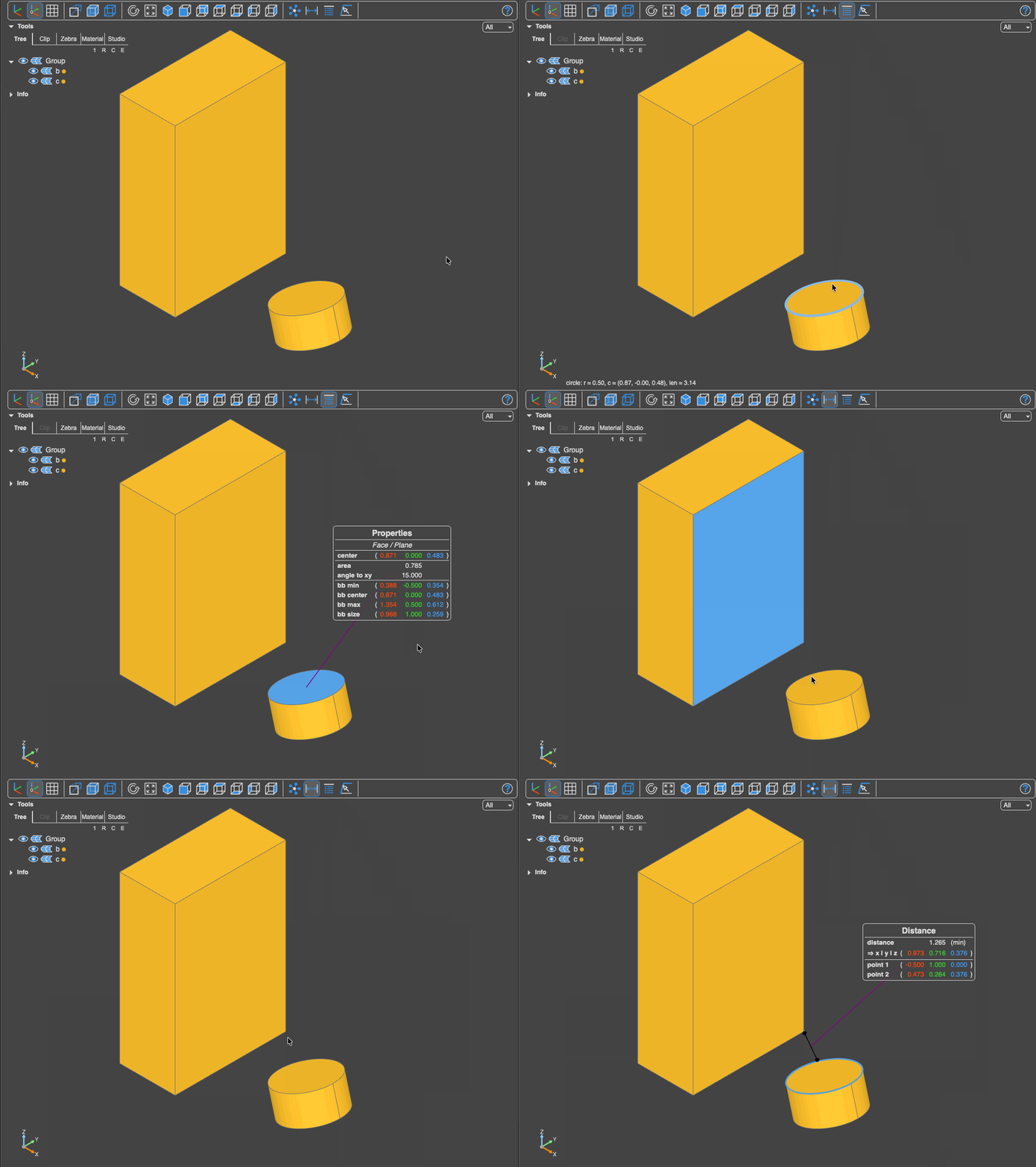
There are two measurement tools; the picking mechanics and the mesh-based vs CAD-exact distinction are shared by all analysis tools.
 Properties: Get the properties of the object selected. For circles and ellipses the diameter is also reported.
 Measurement: Get the distance of the two objects selected and the angle between them or their normals.
Distance
Pick two shapes; an arrow with a result panel appears. Holding shift while picking the second shape measures center-to-center instead of the minimum distance — the panel says (min) or (center) accordingly. The panel shows:
- distance, and its X | Y | Z components
- point 1 and point 2, the exact points measured between
- when both picks are edges or faces, the angle between them, with a reference row per pick saying what was compared:
lineortangent at P1/P2for edges,face normalorsurface normal at P1/P2for faces, plus the direction/normal vectors. For an edge against a face the angle is given relative to the surface.
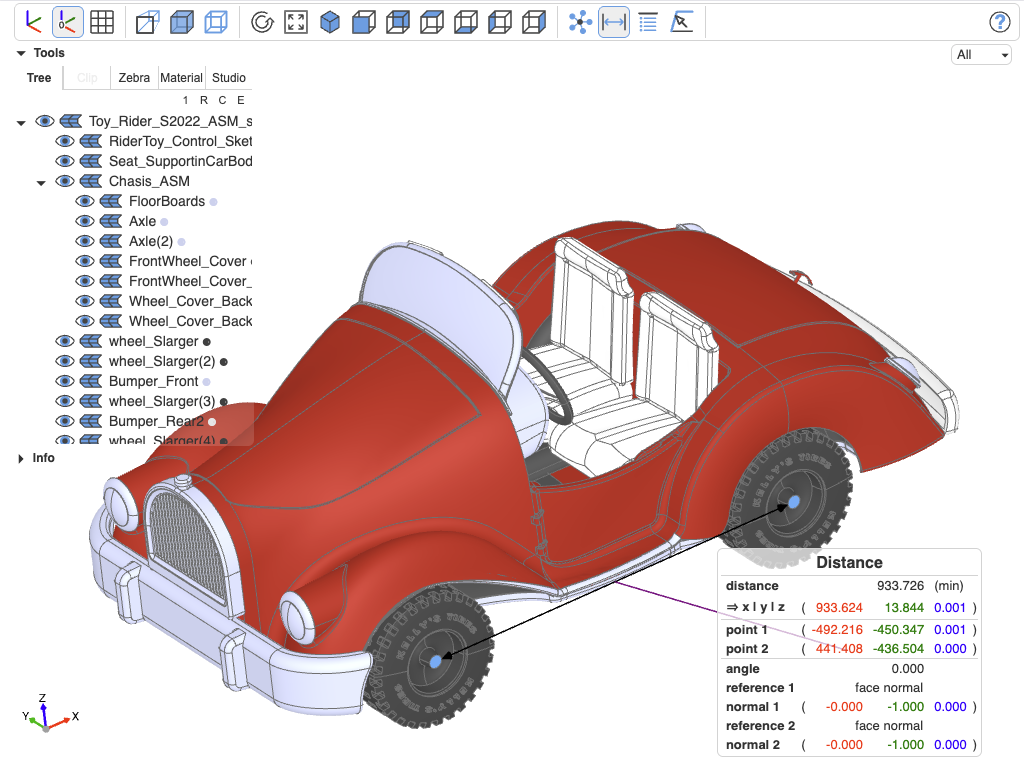
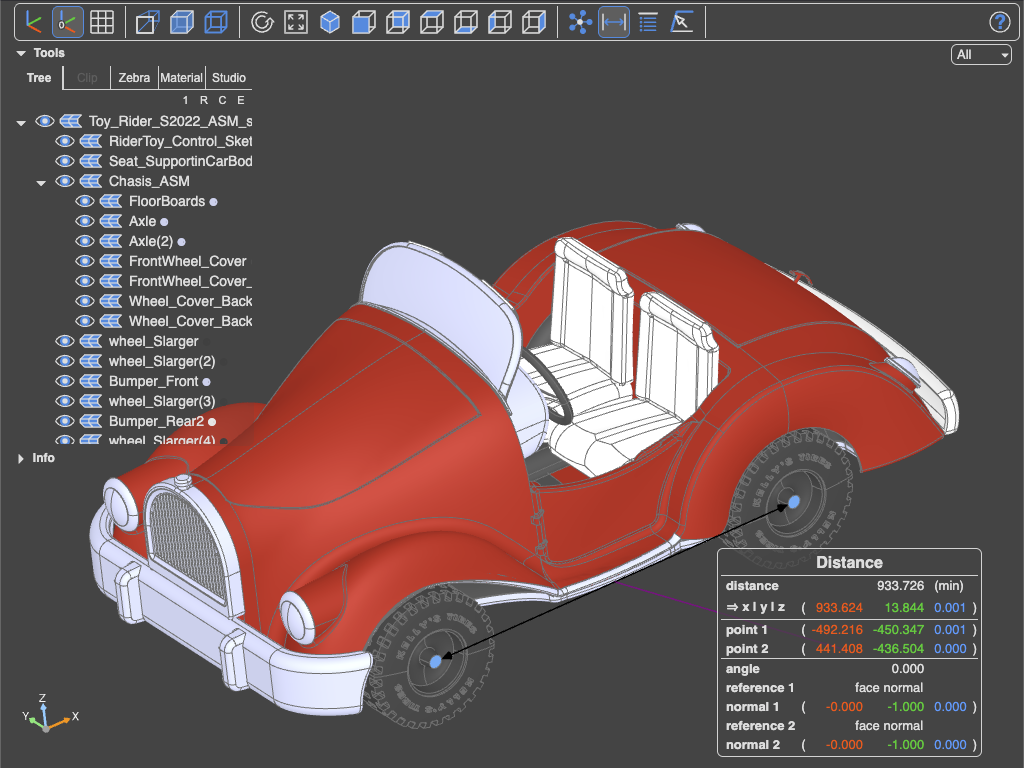
Distance measurement using a Python backend
Properties
Pick one shape; the panel reports what the geometry kind warrants:
- Vertex — its
xyzposition - Edge — by curve type: a line's start/middle/end; a circle's center and
radius / diam; an ellipse's center and major/minorradius / diam; hyperbola/parabola vertex and endpoints; plus always the exact length and, where computable, the tangent angles to the XY plane at both ends - Face — by surface type: a plane's center; a cylinder's center and radius; a cone's base radius and half angle; a sphere's radius; a torus's major/minor radius; a revolution's axis; plus always the exact area and the mid-face normal's angle to XY
- Solid / Compound — the exact volume
- everything except vertices also gets its bounding box (min, center, max, size)
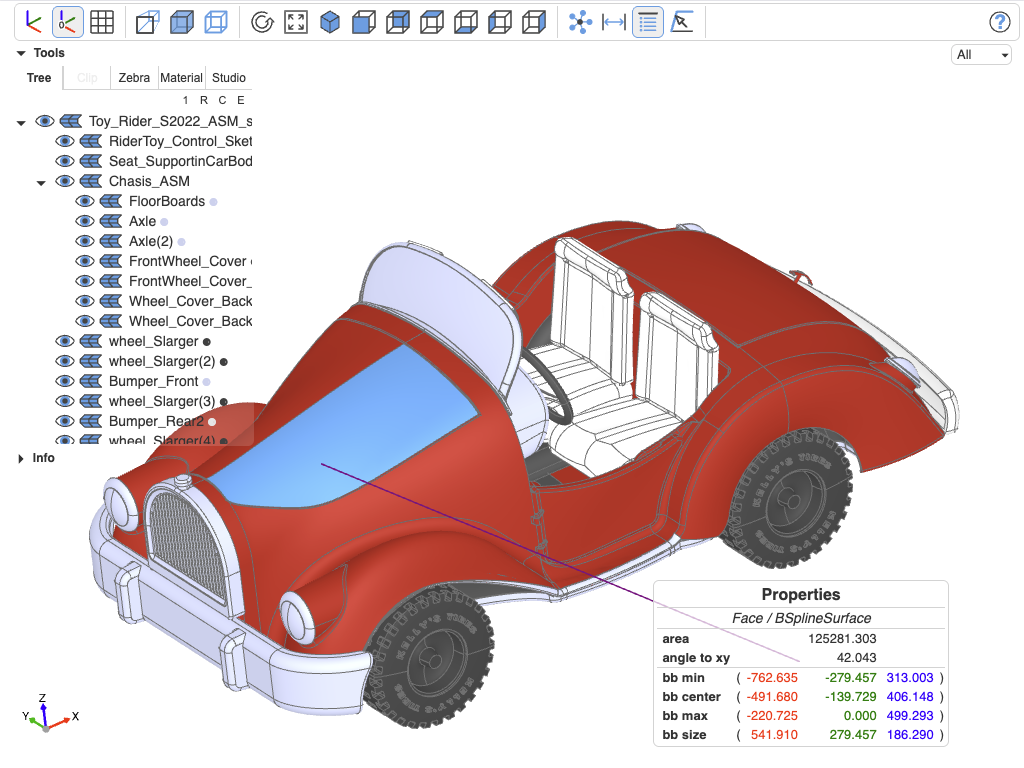
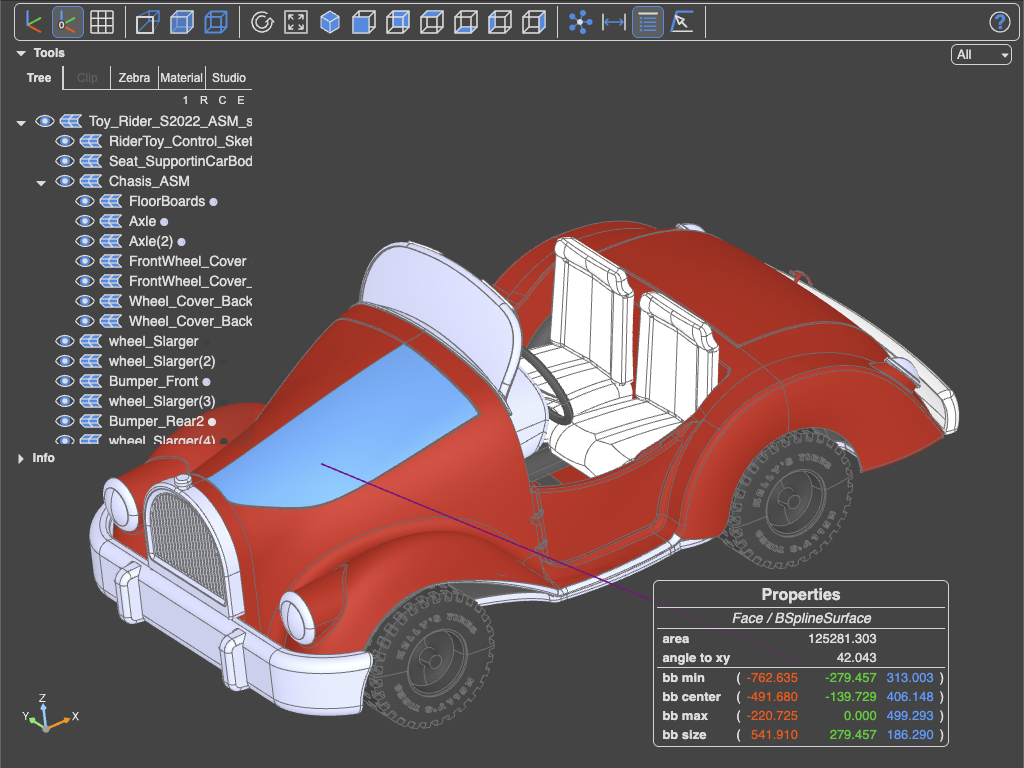
Properties provided by a Python backend