Overview
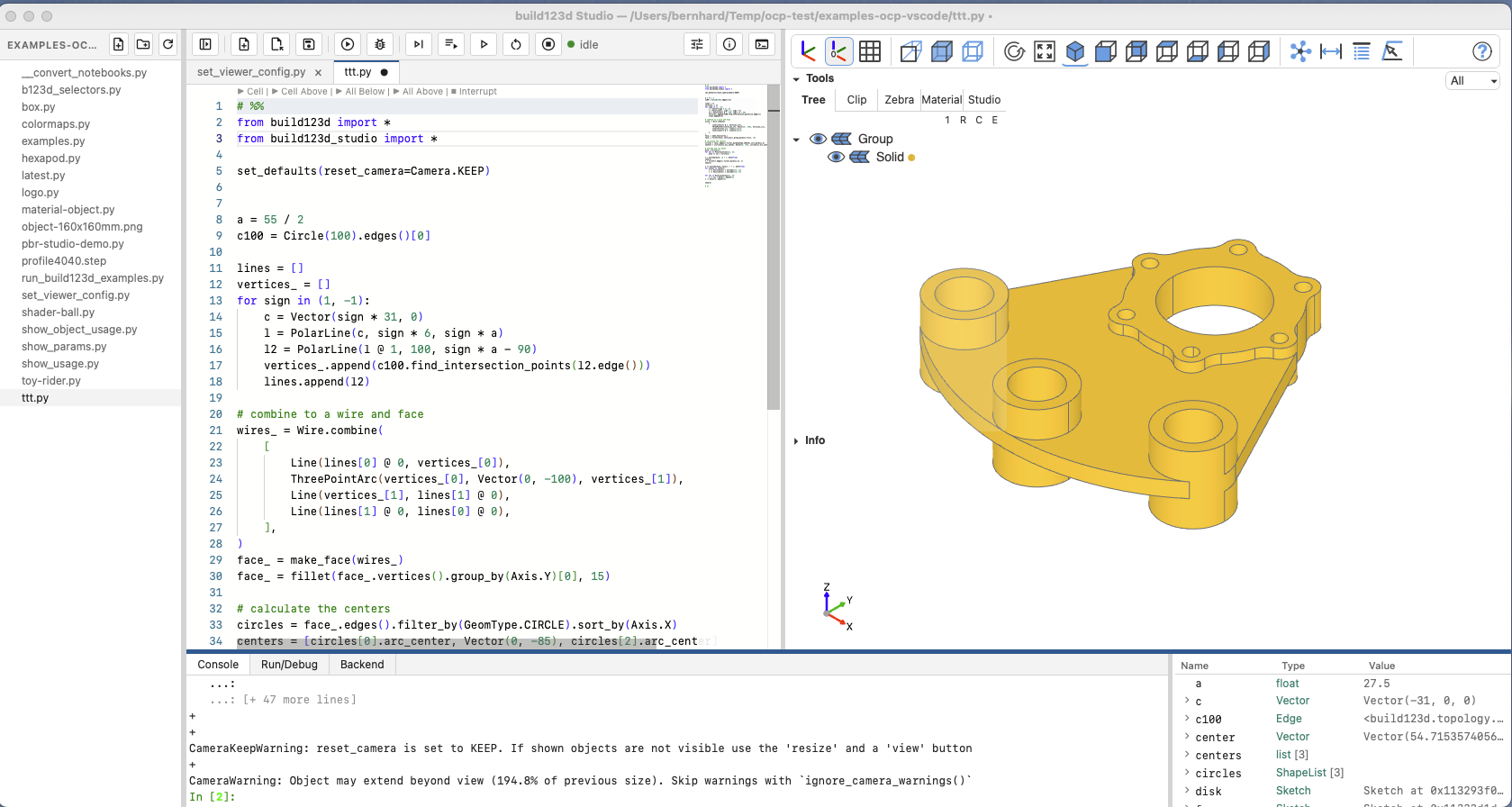
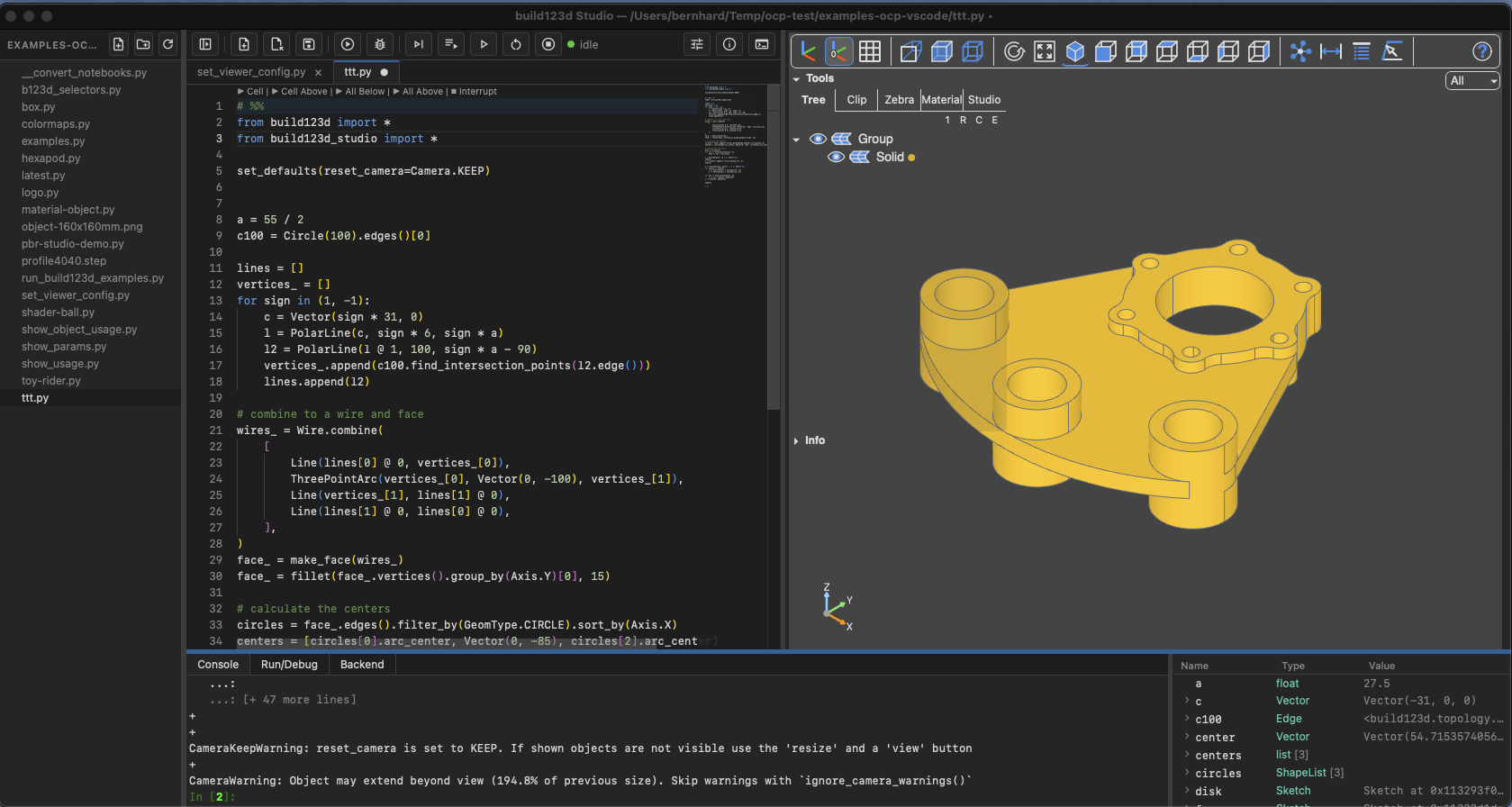
build123d Studio is a desktop application for macOS, Windows and Linux: a code editor, the CAD Viewer, a real Jupyter console and a variable explorer in one window. It brings its own Python — nothing to pip install, no virtualenv to activate, no interpreter to choose; the first start builds a private environment with build123d and everything else it needs.
Key features
- The complete CAD Viewer beside the editor: navigation tree, clipping and zebra tools, measurement and analysis tools, materials and animation.
- Batteries included: one release pins one uv and one CPython, so the environment it builds is the same on every machine and never touches any other Python — see First Run and Packages and the environment.
- Three ways to run: on a Jupyter kernel that keeps your names between runs, as a file in a process of its own, or
pytestover a file or a folder — and a debugger that draws the frame it is stopped in. - A full editor with completion, type checking, hover, parameter hints, ruff formatting and snippets, backed by a language server running in the same environment as your code.
- A real Jupyter console and a variable explorer on the kernel your code runs on, for inspecting the objects a script created.
- A parameter panel: decorate the function that builds your model, and a floating window with a slider, a dropdown or a checkbox per parameter rebuilds it on every change.
- Measurements computed in their own process beside the kernel, so analysing a model never competes with running code — see Concepts.
- The
studiolauncher:studio some/folderorstudio part.pyopens a project from the command line — see Installation.
Continue with Installation, or go straight to The window for what everything on screen is.