The OCP CAD viewer documentation
There are four viewers in the OCP Viewer ecosystem:
- ocp_vscode (the VS Code extension)
- ocp_viewer (the standalone viewer)
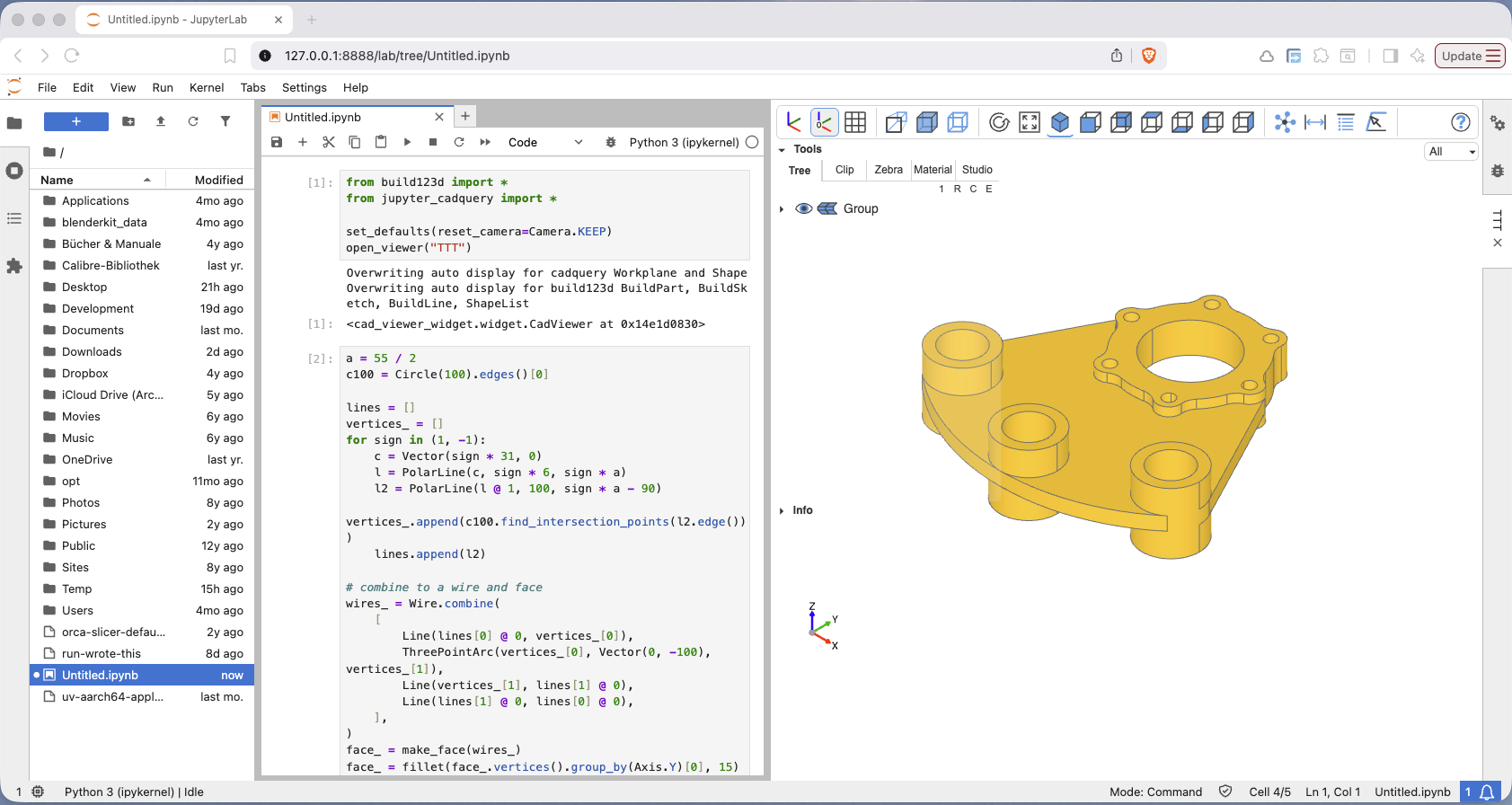
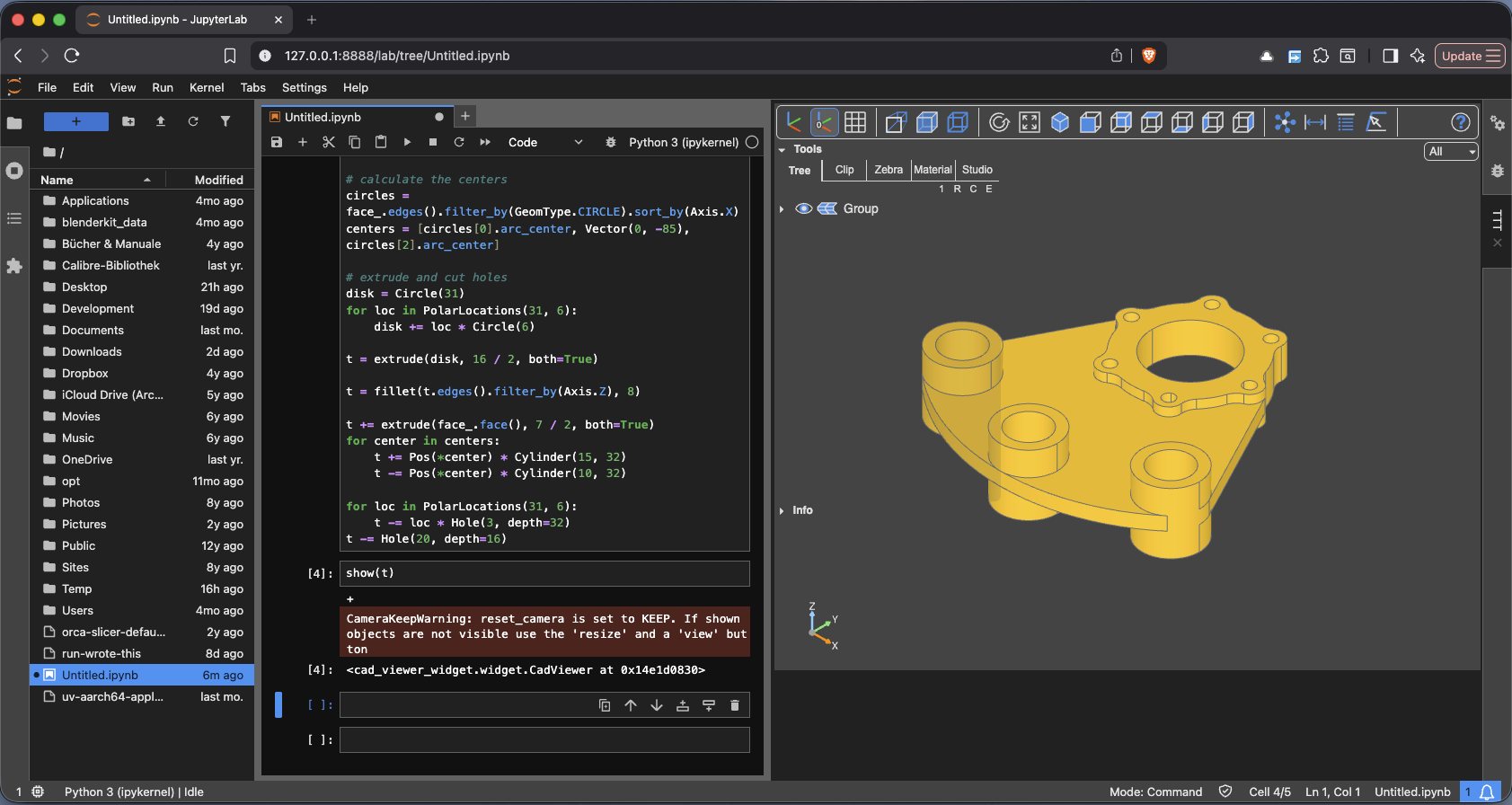
- Jupyter CadQuery (for Jupyter Lab)
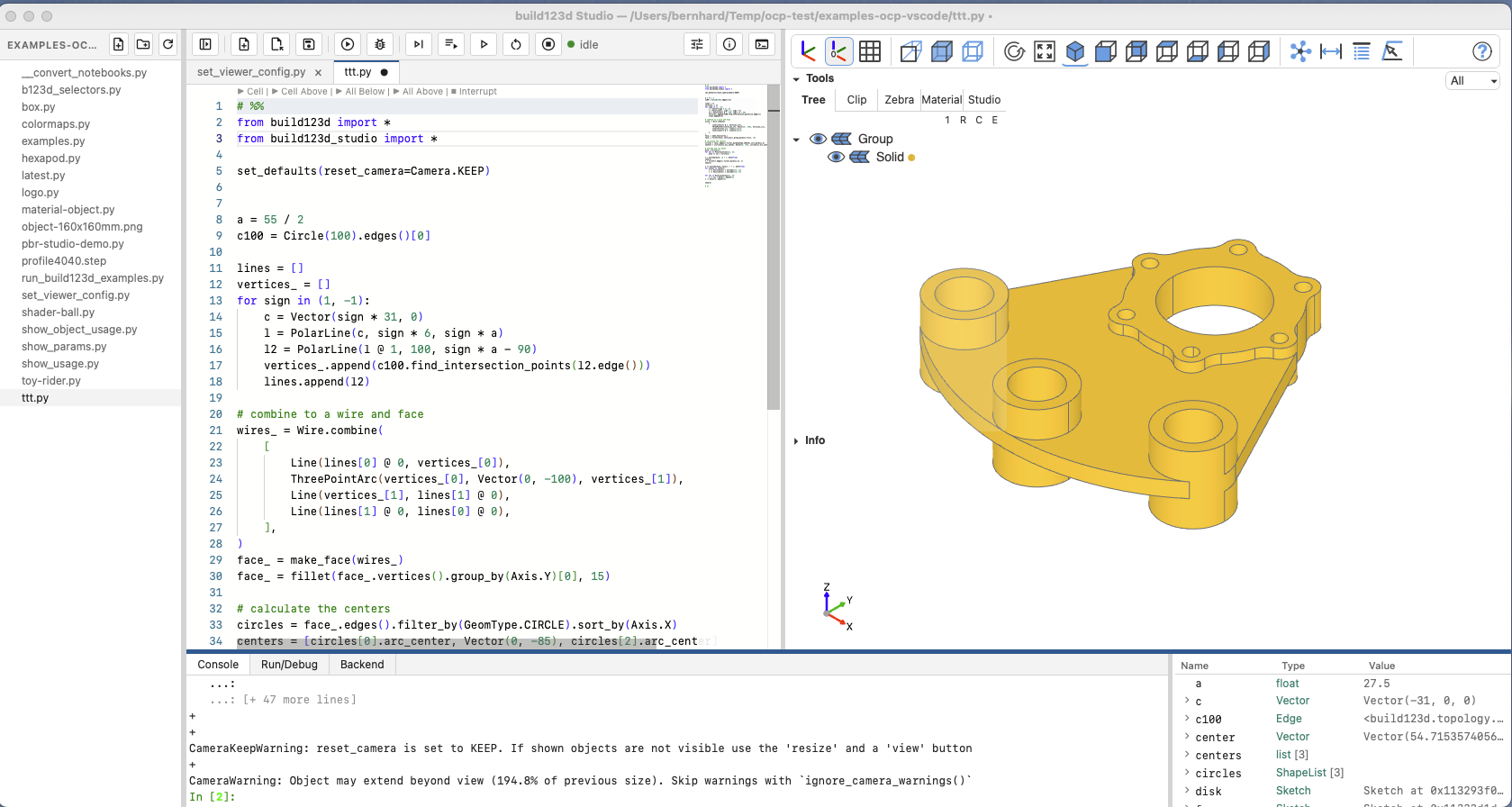
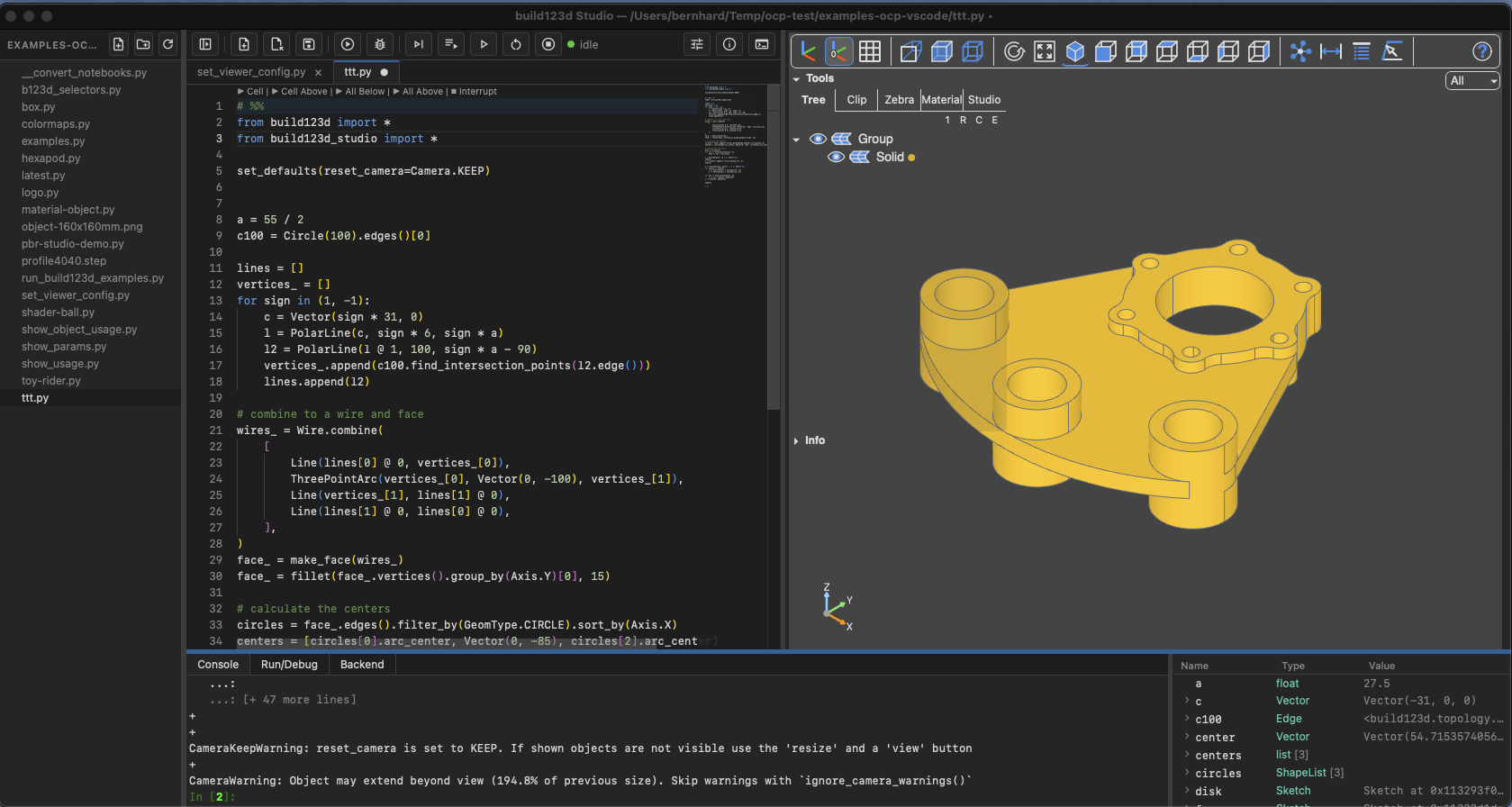
- build123d Studio (the standalone application with an integrated python environment)
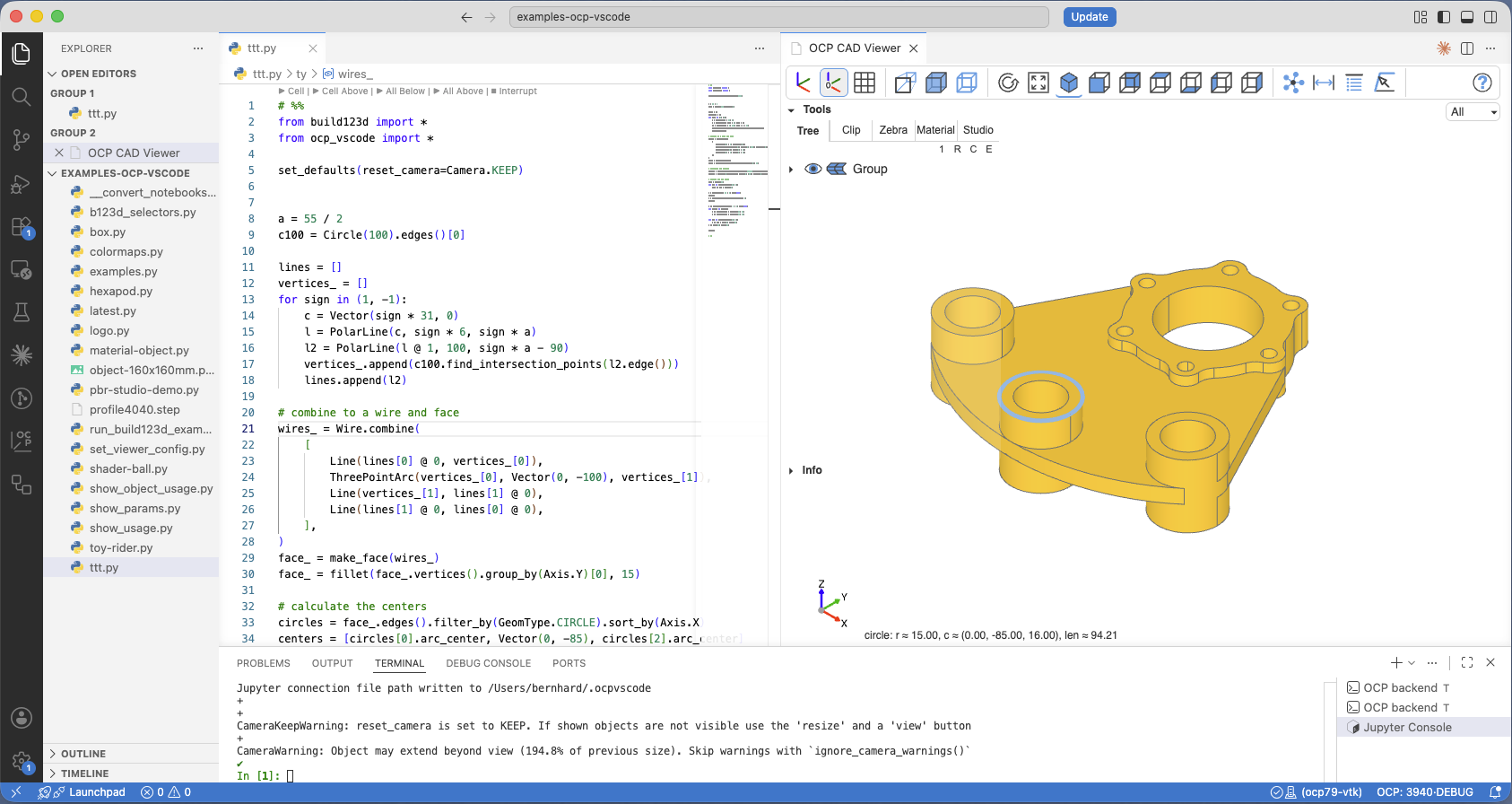
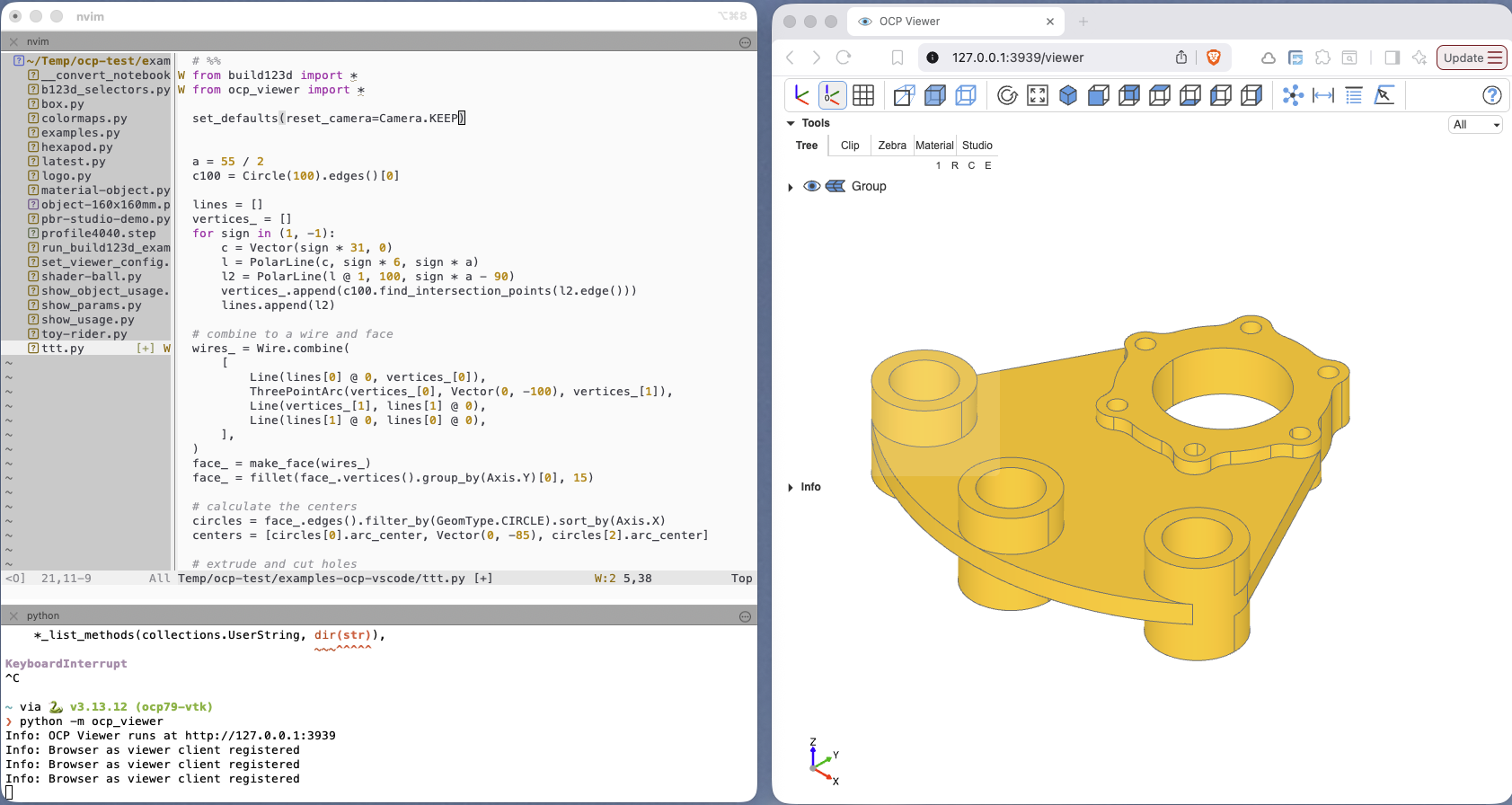
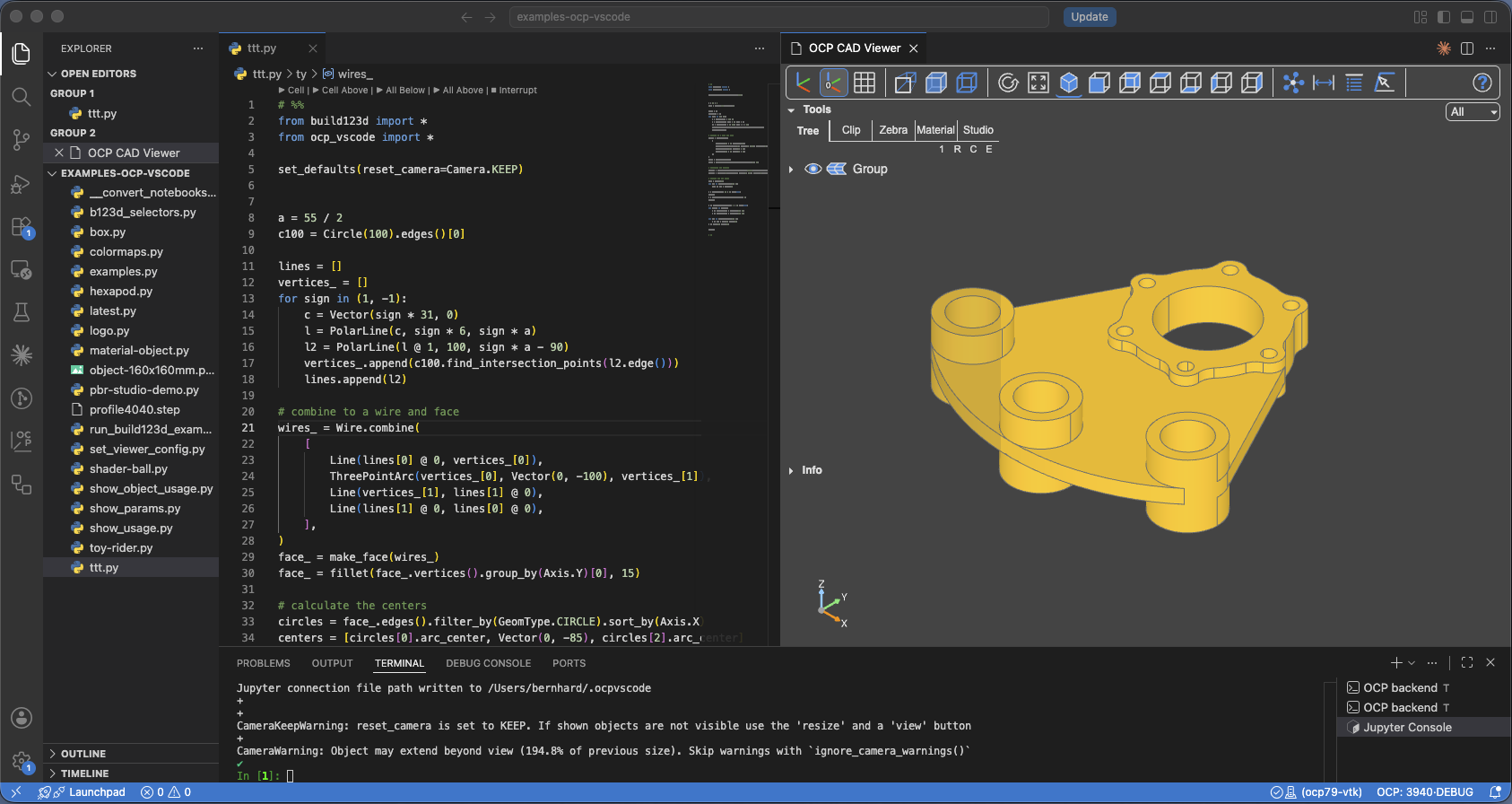
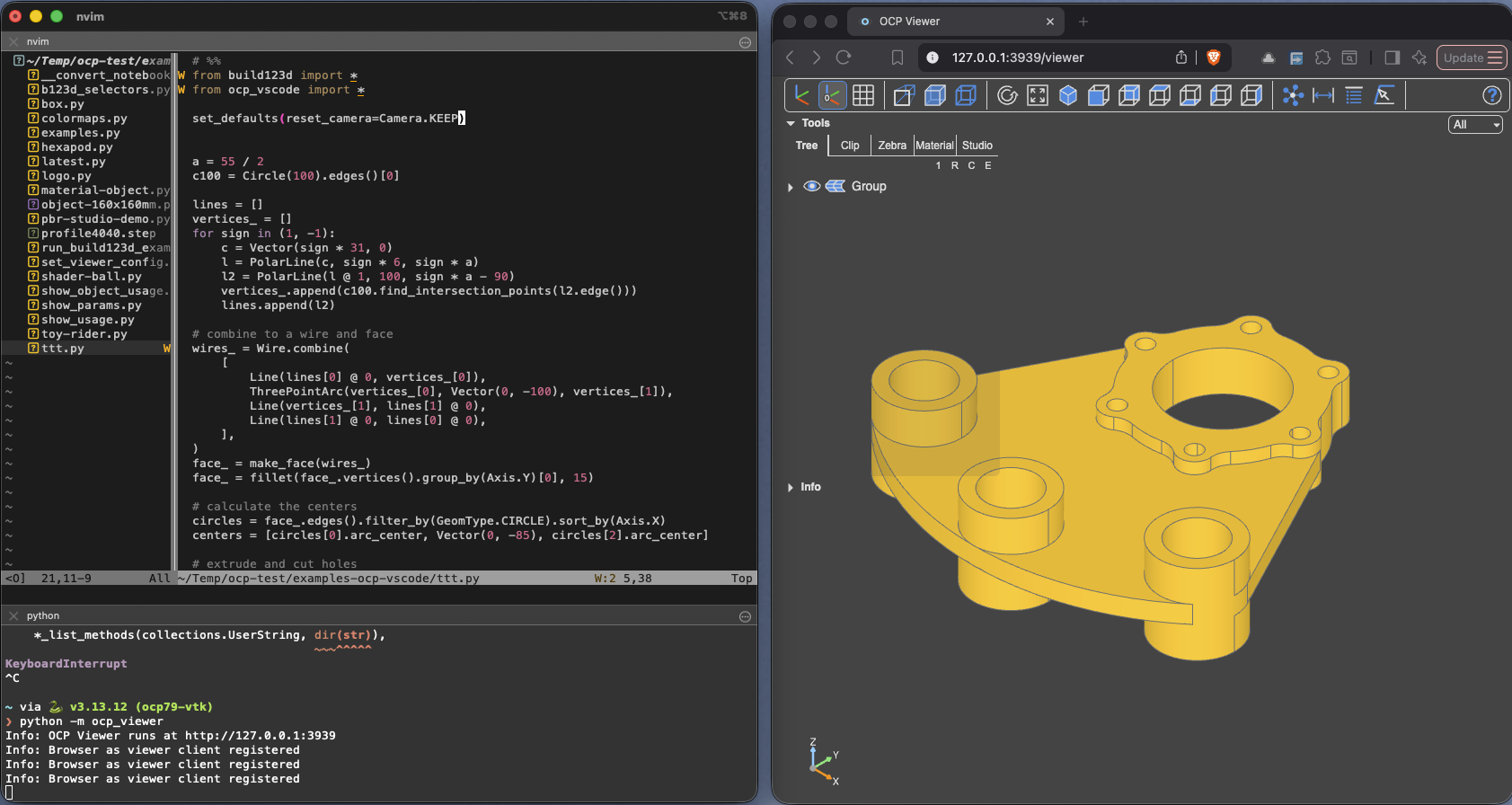
VS Code CAD Viewer | OCP Viewer
Jupyter Cadquery | Build123d Studio
They are all built on ocp-viewer-core, and share the same show commands, the same configuration semantics and the same viewer window, see Architecture. What differs per viewer is only how it is installed and started, where its settings are stored, and how Python reaches it.
This documentation first introduces the four viewers in Viewers: how they are installed, how to run code, where settings are stored, and their viewer-specific features.
The chapters CAD Viewer and The Python API then document the shared part, valid for every viewer.
The underlying concepts, e.g. how the pieces fit together, are explained in the Concepts chapter.
Viewers
One chapter per viewer for what genuinely differs: installation, settings storage, port discovery and set_port, sidecars, visual debugging integrations, editor tooling, troubleshooting.
- VS Code CAD Viewer — Installation, Viewer and Library Manager, Workspace Config, Addressing a viewer, Visual debugging, Jupyter Console, Commands and snippets, Troubleshooting, Concepts
- OCP Viewer — Installation, Workspace Config, Addressing a viewer, Editor support: NeoVim, Docker, Concepts
- Jupyter CadQuery — Installation, Sidecars, windows and cells, Working in the notebook, Replay, Export, Workspace Config, API, Troubleshooting, Concepts
- build123d Studio — Installation, First Run, The window, Running code, Debugging, Console and variables, The editor, Packages and the environment, Workspace Config, Commands and shortcuts, Troubleshooting, Concepts
The CAD Viewer
- Overview — the window's layout, the toolbar, the info box, and what the viewer remembers. This is the JavaScript half of the core, embedded by every viewer.
- Mouse and Keys — navigation and selection bindings, and remapping the modifier keys
- Tabs — the tree panel's five tabs: Tree, Clip, Zebra, Material, Studio
- Analysis tools:
- Overview — picking and filters, programmatic activation, mesh-based vs CAD-exact numbers
- Measure mode — the Distance and Properties tools and their panels
- Object selection — pick faces, edges or vertices and use their indices in code
- Coordinate selection —
Cmd-C/Ctrl-Ccopies the coordinates of the point under the cursor
- Dynamic features — explode and the animation bar
The Python API
- Importing — one vocabulary, two import styles: your viewer's own package, or the portable
ocp_viewer_core.viewer
Showing objects:
- show — show one or more CAD objects, and the full keyword reference shared by all show commands
- show_object — show objects incrementally, one call per object
- push_object / show_objects — collect objects without rendering, then render them in one batch
- show_all — show every CAD object in the current Python scope
- Keeping the camera orientation — the
reset_camerasemantics: keep, recenter, reset, or snap to a preset - Additional functions —
show_clear,save_screenshot, and blueprint images
Configuring:
- The config system — the three levels of configuration and their precedence, and the defaults and state inspection functions
- set_viewer_config — change a running viewer immediately, without a new show
- Enums —
Camera,Collapse,Render,AnalysisTool,UiTaband the Studio enums
Appearance:
- Color maps — automatic color assignment for object collections
- Materials and Studio mode — PBR materials and photo-realistic rendering
- ImageFace — place a 2-D image as a reference plane in the scene
Animation:
- Animation — drive keyframe animations on shown assemblies
Concepts
- Architecture — the ecosystem's pieces and what happens when you call
show() - Python to CAD Viewer communication — the transport contract, and the four ways a model travels
- The measurement backend — where the CAD-exact numbers come from
- Configuration layers — settings, defaults, keywords and the viewer's own state
- Mesh creation — how tessellation works, and what keeps it fast
- Versioning and compatibility — one core version, two registries, and why versions must match
Versions
This documentation describes the following versions — patch releases within each line stay covered:
| Component | Documented version |
|---|---|
| ocp-viewer-core | 1.1.x |
OCP CAD Viewer for VS Code (ocp_vscode) |
4.2.x |
OCP Viewer (ocp_viewer) |
1.2.x |
Jupyter CadQuery (jupyter_cadquery) |
5.2.x |
| cad-viewer-widget | 4.2.x |
| build123d Studio | 0.9.x |
| tcv_screenshots | 1.0.x |
| three-cad-viewer | 5.1.x |
| ocp-tessellate | 3.6.x |