Color maps
A color map automatically assigns colors to the objects passed to show() / show_all(). Useful for collections (lists/tuples) where you don't want to spell out a color for each entry.
from ocp_viewer_core.viewer import show, set_colormap, ColorMap
Activation
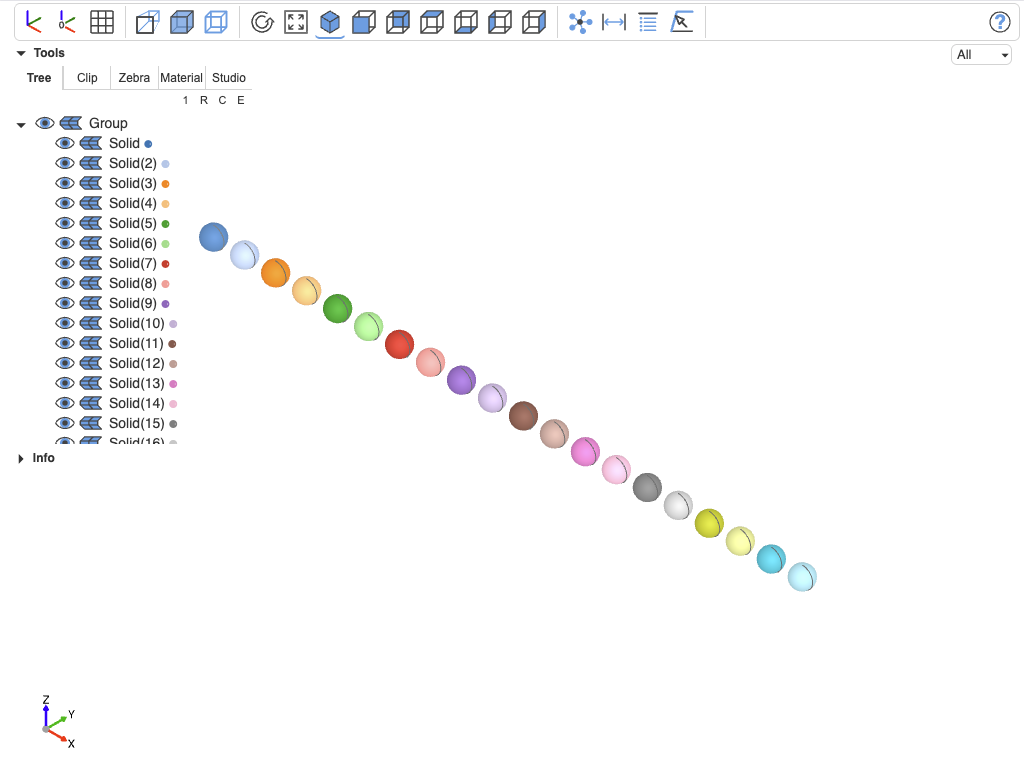
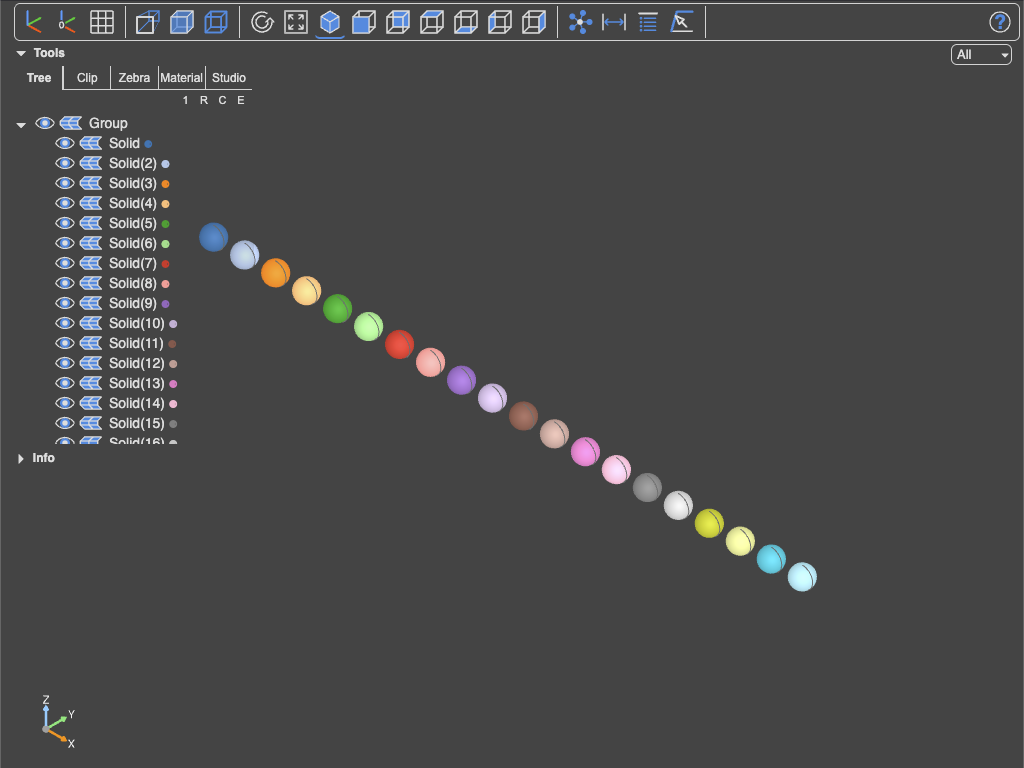
Use one of the named maps
from build123d import Sphere, Pos
set_colormap(ColorMap.tab20())

show(*[Pos(i * 3) * Sphere(1) for i in range(20)])
Use a generator-style endless palette
from build123d import Sphere, Pos
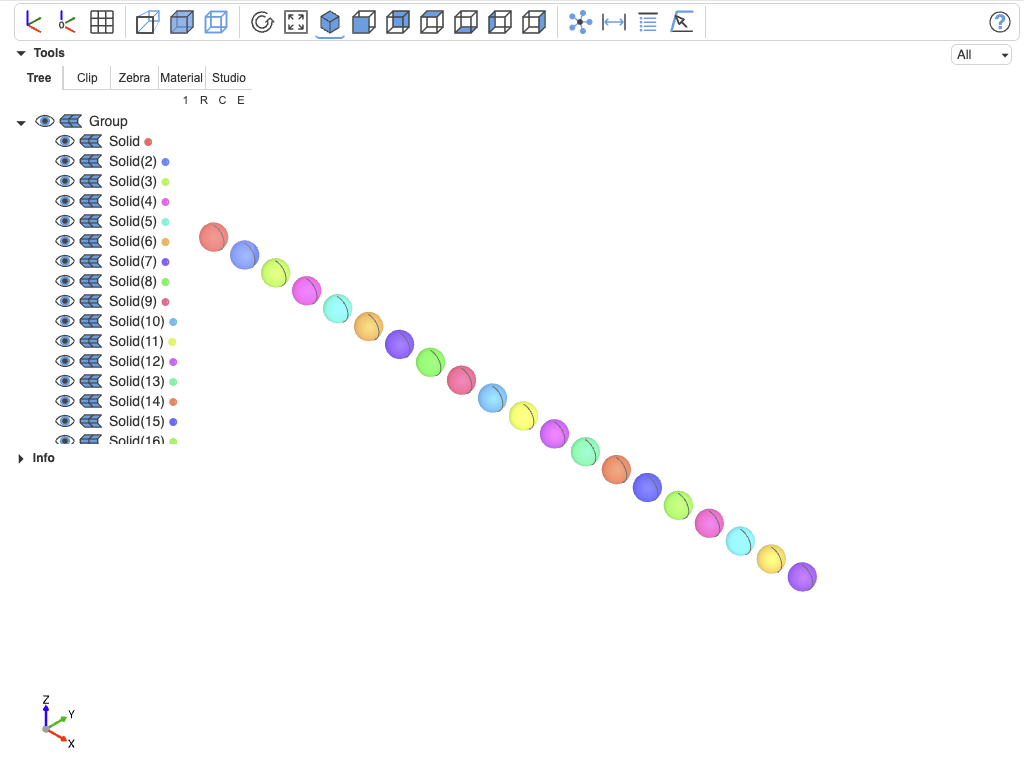
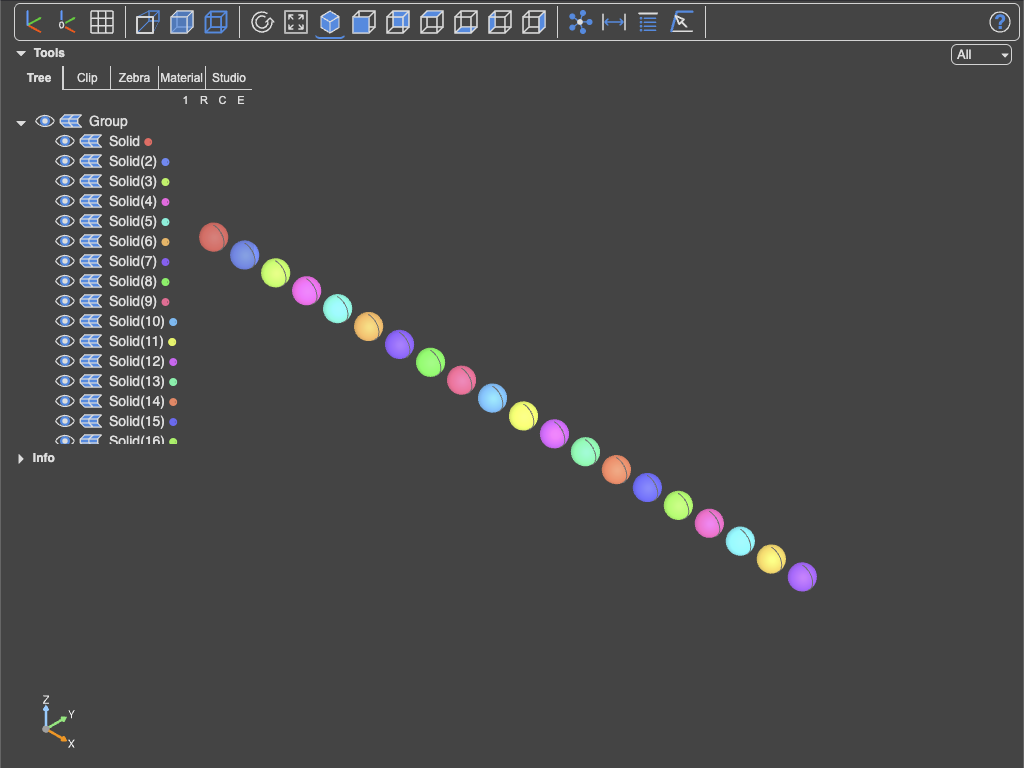
set_colormap(ColorMap.golden_ratio())

show(*[Pos(i * 3) * Sphere(1) for i in range(20)])
Unset the color map
unset_colormap()
# or
set_colormap(None)
Get the currently set color map
get_colormap() returns the currently active map (resetting its iterator).
Info
The map is consumed each time in show, so order matters — the n-th object gets the n-th color.
Available factories
ColorMap exposes the following static factory methods:
Listed palettes (cycling)
| Factory | Source |
|---|---|
ColorMap.accent(alpha=1.0, reverse=False) |
matplotlib's Accent (8 colors) |
ColorMap.dark2(alpha=1.0, reverse=False) |
Dark2 (8) |
ColorMap.paired(alpha=1.0, reverse=False) |
Paired (12) |
ColorMap.pastel1(alpha=1.0, reverse=False) |
Pastel1 (9) |
ColorMap.pastel2(alpha=1.0, reverse=False) |
Pastel2 (8) |
ColorMap.set1(alpha=1.0, reverse=False) |
Set1 (9) |
ColorMap.set2(alpha=1.0, reverse=False) |
Set2 (8) |
ColorMap.set3(alpha=1.0, reverse=False) |
Set3 (12) |
ColorMap.tab10(alpha=1.0, reverse=False) |
tab10 (10) |
ColorMap.tab20(alpha=1.0, reverse=False) |
tab20 (20) |
ColorMap.tab20b(alpha=1.0, reverse=False) |
tab20b (20) |
ColorMap.tab20c(alpha=1.0, reverse=False) |
tab20c (20) |
Procedural palettes
| Factory | Description |
|---|---|
ColorMap.golden_ratio(colormap="hsv", alpha=1.0, reverse=False, hue_offset=0.0) |
Walks the colormap by the inverse golden ratio so successive colors are maximally distinct; hue_offset (0 to 1) shifts the first color and all that follow |
ColorMap.seeded(seed_value=42, colormap="hsv", alpha=1.0, **params) |
Deterministic random walk through the colormap (use colormap="rgb" to draw RGB directly) |
ColorMap.segmented(length=10, colormap="hsv", alpha=1.0, reverse=False) |
Equally spaced samples across a continuous colormap |
ColorMap.listed(length=10, colormap="mpl:plasma", colors=None, alpha=1.0, reverse=False) |
Subsample a matplotlib listed colormap, or pass colors=[...] to use your own list |
golden_ratio = ColorMap.golden_ratio()
seeded = ColorMap.seeded(42, "hsv", alpha=0.8)
segmented = ColorMap.segmented(20, "hsv")
listed = ColorMap.listed(colors=["red", "green", "blue"])
Warning
Procedural palettes are endless (generated, starting over at element 0 if the end is reached). So do not list(palette). To get the first 10 colors, use [next(palette) for i in range(10)]
For matplotlib-based variants pass colormap="mpl:<name>" (e.g. "mpl:plasma"). The mpl: form requires matplotlib to be installed.
colors = set_colormap(ColorMap.listed(20, "mpl:turbo", reverse=False))
Custom maps
Subclass BaseColorMap and implement __next__ returning an (r, g, b, alpha) tuple. Use set_colormap(YourMap()) to activate it.
For a working end-to-end example see examples/colormaps.py in the ocp_vscode repository.