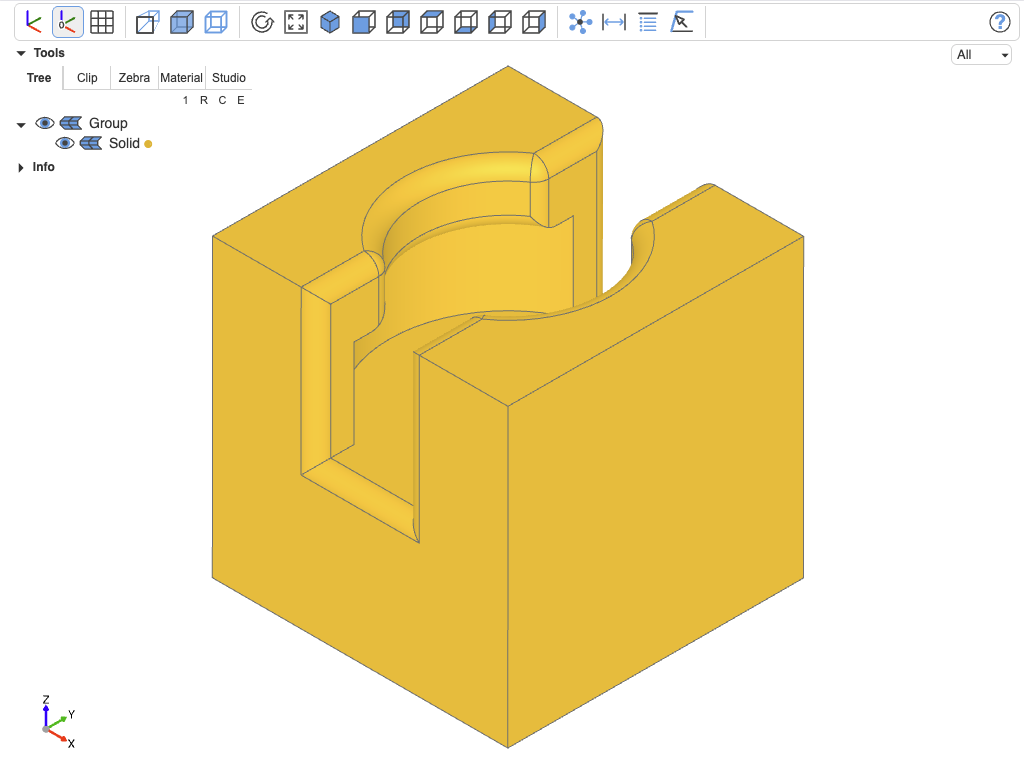
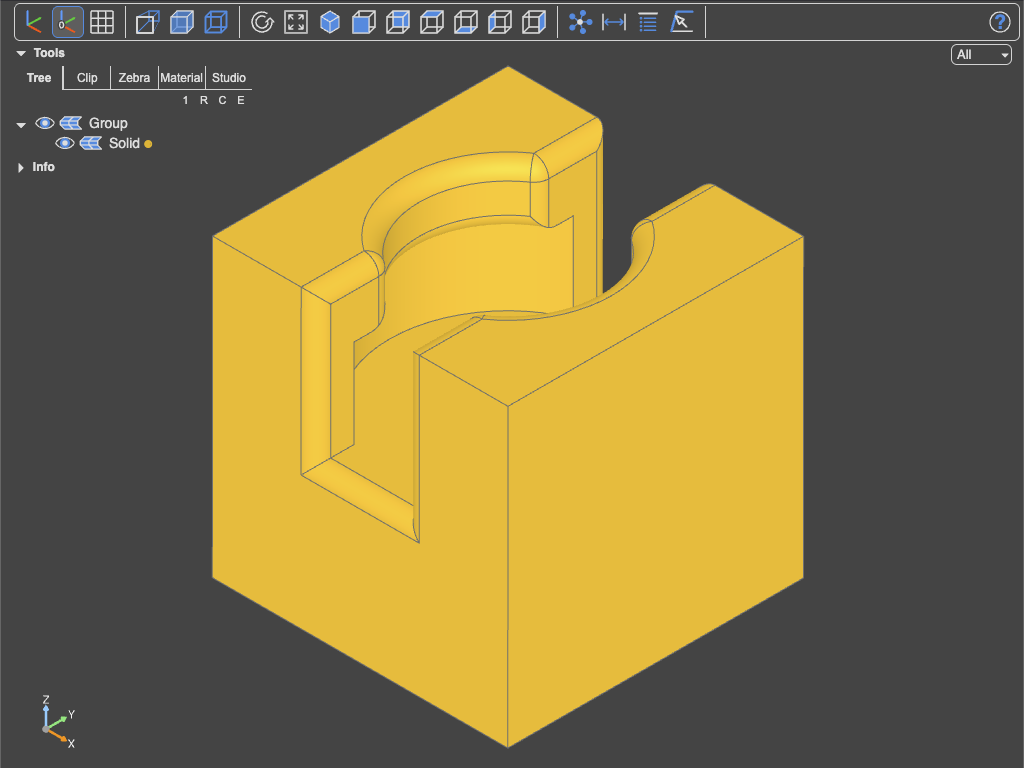
Object selection mode
Tool
 Click on faces, edges, or vertices to select their indices. Do not mix vertices, edges and faces and apply it to just one solid, compound, face or line. The indices are copied to the system clipboard as a comma-separated list, ready to be pasted into the
 select_* functions below. Picking and filters are shared by all analysis tools.
Python functions
select_vertices(obj, indices)
Similar to obj.vertices() returns a ShapeList of vertices associated with the indices given as list, e.g. [1,3,6]
select_vertex(obj, index)
Shortcut for select_vertices(obj, [index])[0]
select_edges(obj, indices)
Similar to obj.edges() returns a ShapeList of edges associated with the indices given as list, e.g. [1,3,6]
select_edge(obj, index)
Shortcut for select_edges(obj, [index])[0]
select_faces(obj, indices)
Similar to obj.faces() returns a ShapeList of faces associated with the indices given as list, e.g. [1,3,6]
select_face(obj, index)
Shortcut for select_faces(obj, [index])[0]
Compatibility
The indices returned are stable across runs as long as no geometry change is introduced before select_*. However, Open Cascade does not guarantee the stability of the indices across major versions, e.g. from 7.x to 8.x.
Example
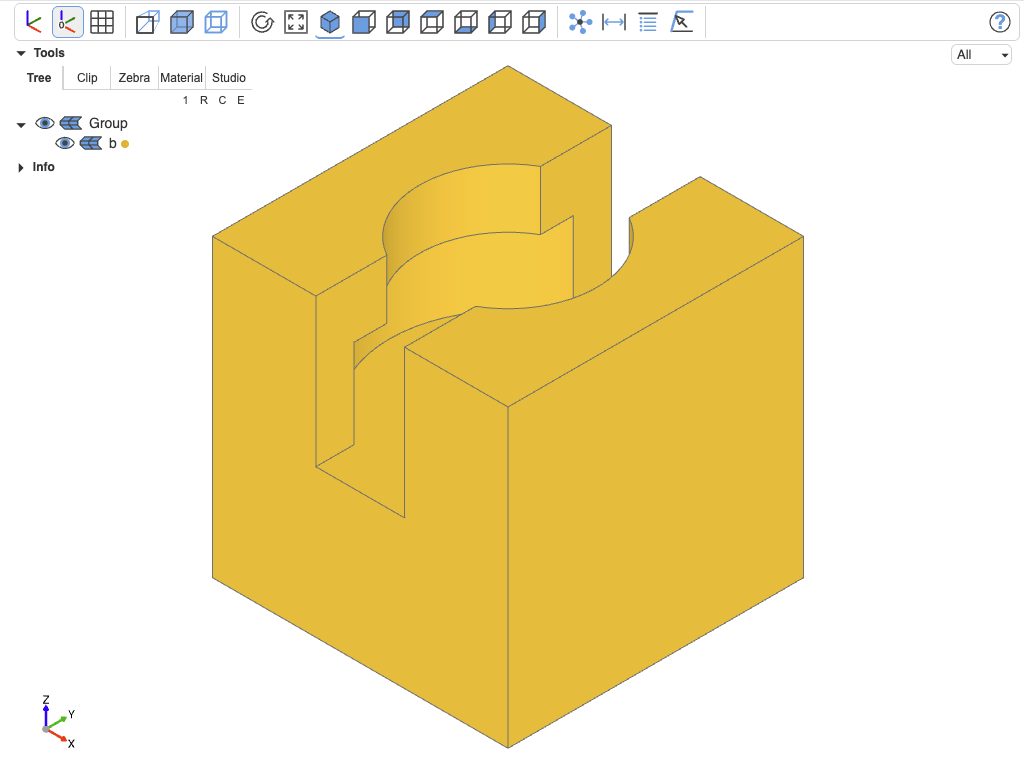
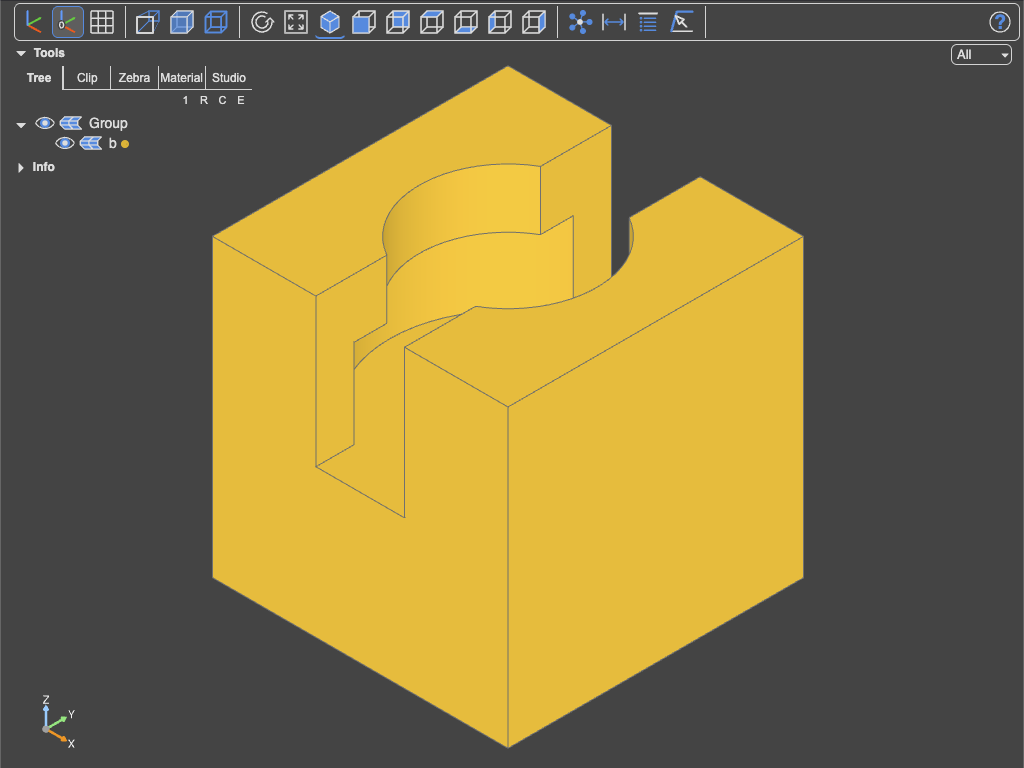
The object
from ocp_viewer_core.viewer import show, select_edges

from build123d import *

ccm = (Align.CENTER, Align.CENTER, Align.MIN)

b = Box(1, 1, 1)
b -= Cylinder(0.3, 0.5, align=ccm)
b -= Cylinder(0.4, 0.3, align=ccm)
b -= Box(0.3, 1.1, 0.5, align=ccm)
Manual selection
The manual selection leads to 31,35,28,15,44,19,45,36,12,26,22,39,38,27,13,11,33,43 being in the clipboard
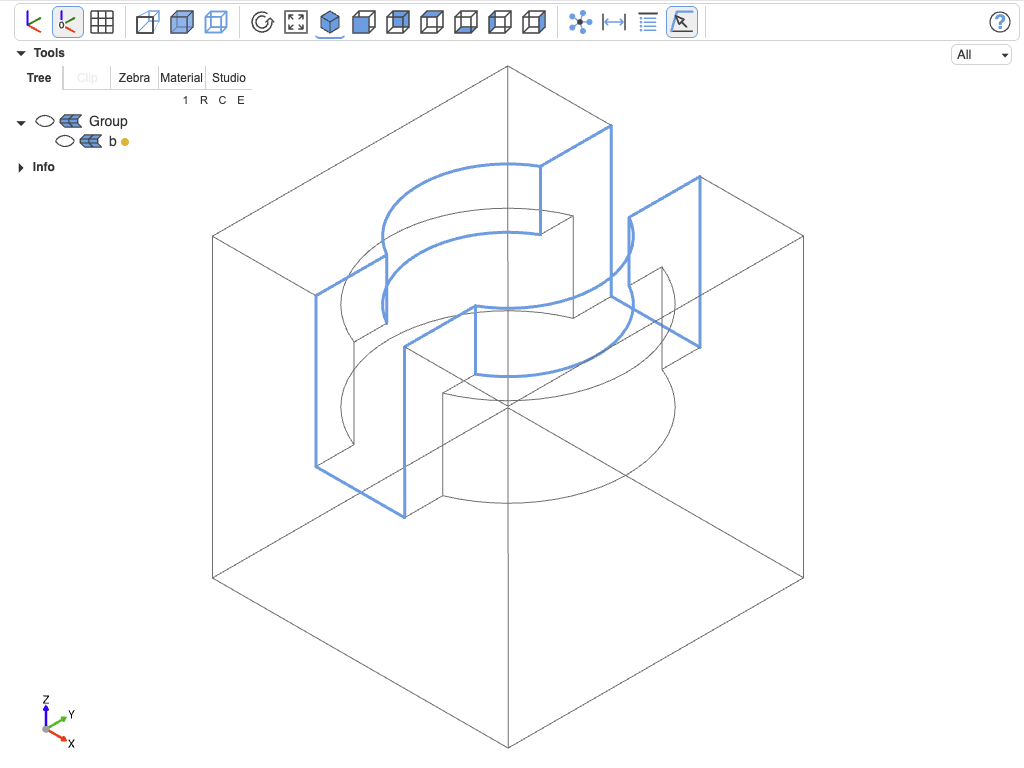
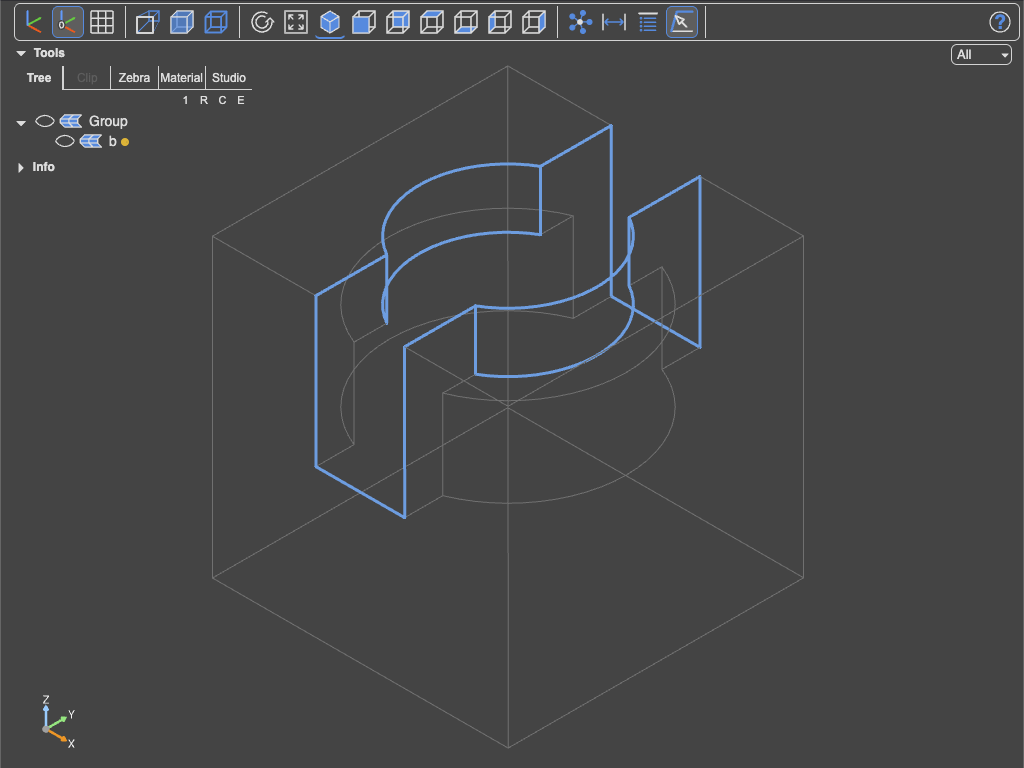
Filleting the manually selected edges
edges = select_edges(b, [
  31,35,28,15,44,19,45,36,12,26,22,39,38,27,13,11,33,43  # pasted from clipboard
])
b = fillet(edges, 0.05)
show(b)